
IFTTT Review

Table of Contents
What is IFTTT?
IFTTT, short for If This Then That, is a no-code automation platform that connects your apps, devices, and services using simple conditional workflows called Applets.
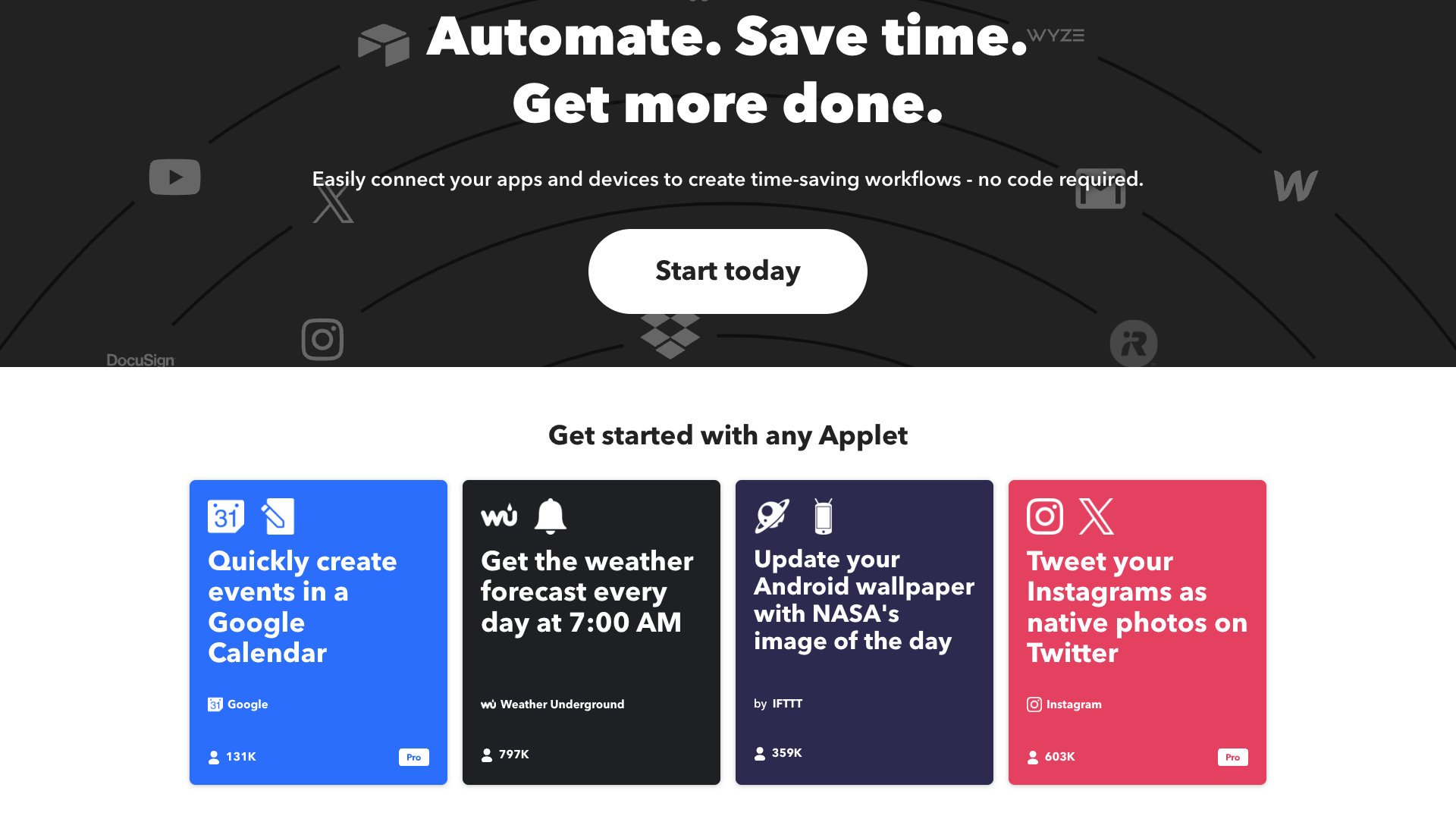
From the homepage, IFTTT positions itself as automation for business and home, highlighting use cases like saving time, converting more leads, and making your home more relaxing.
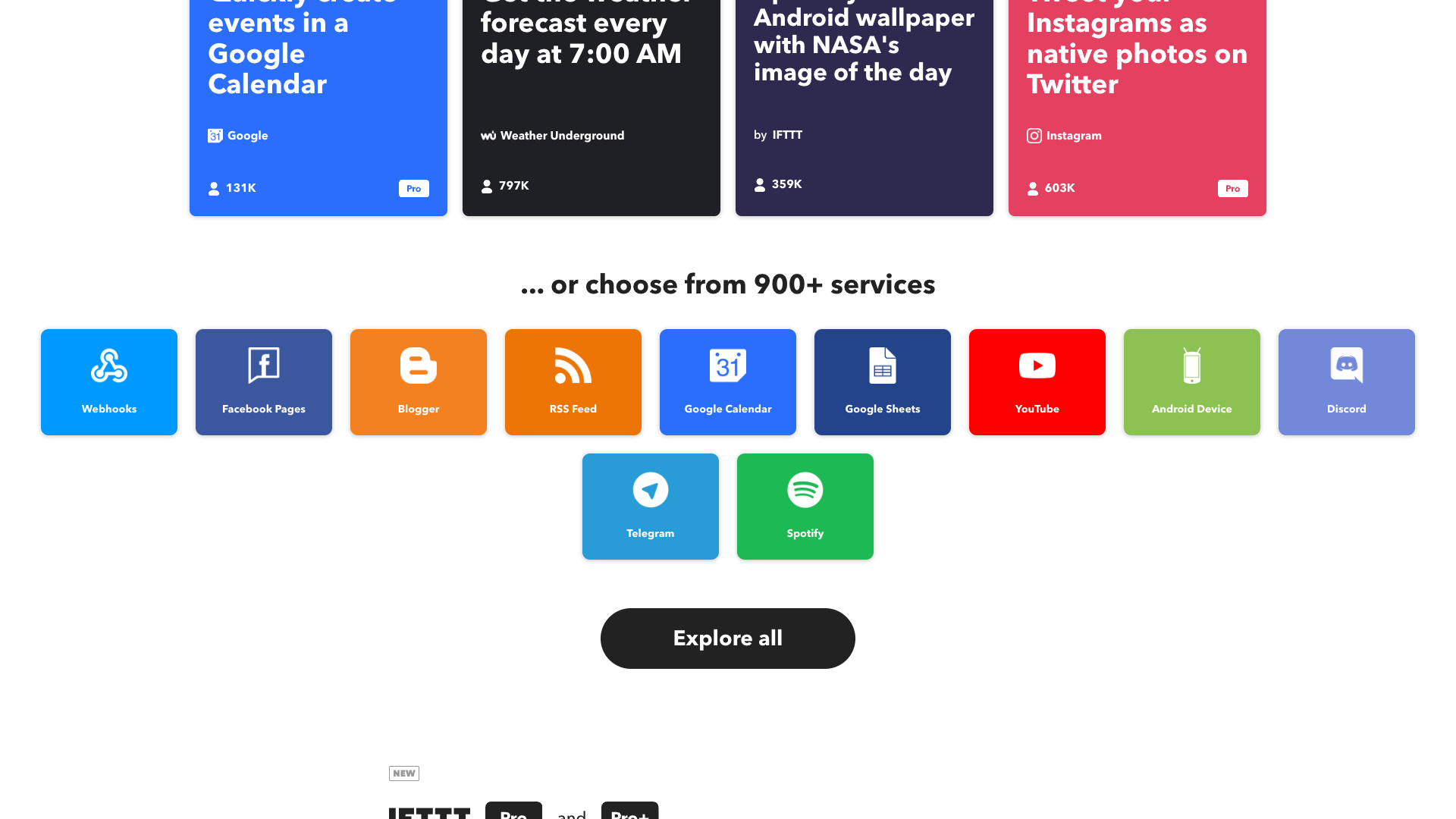
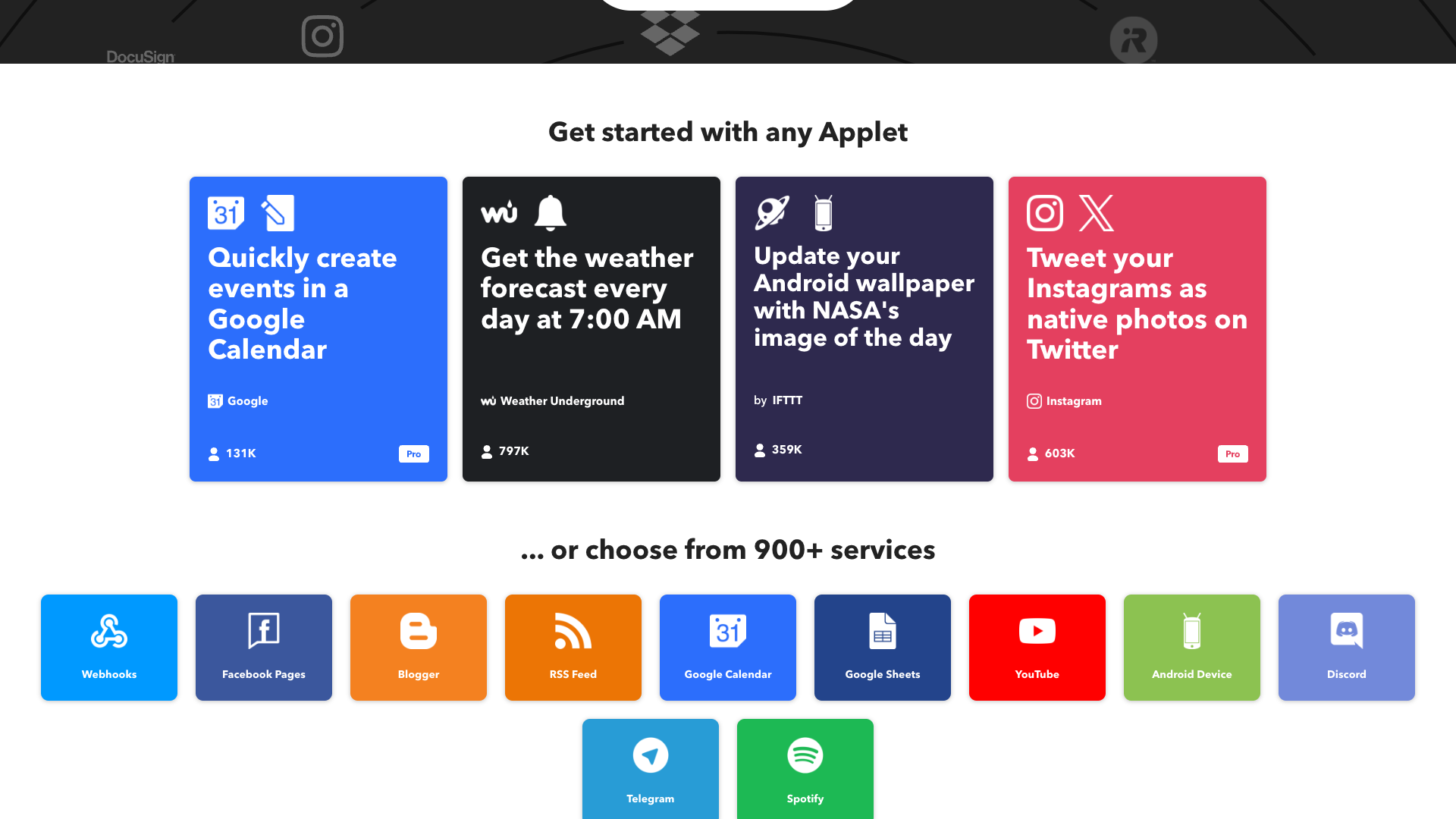
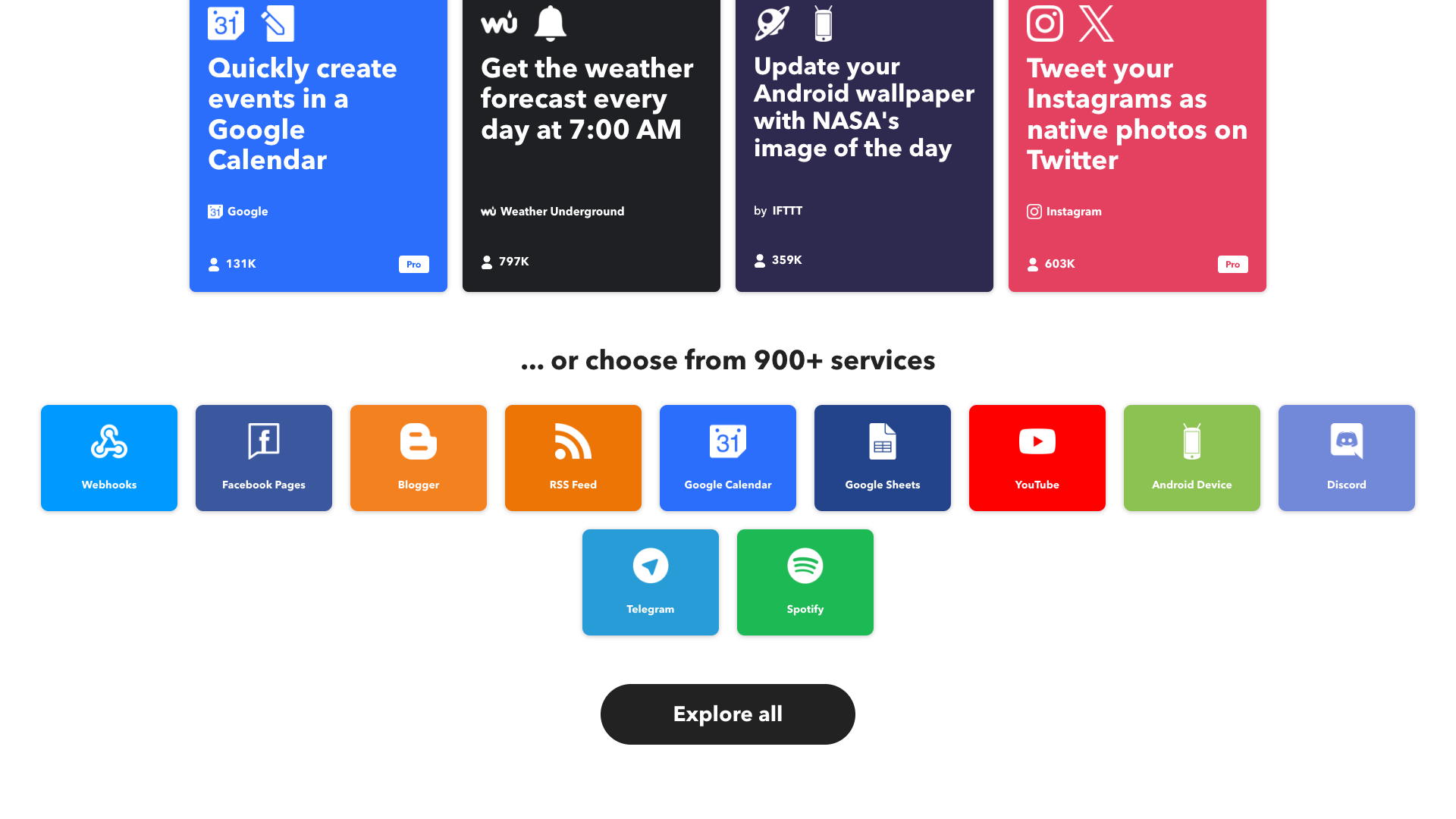
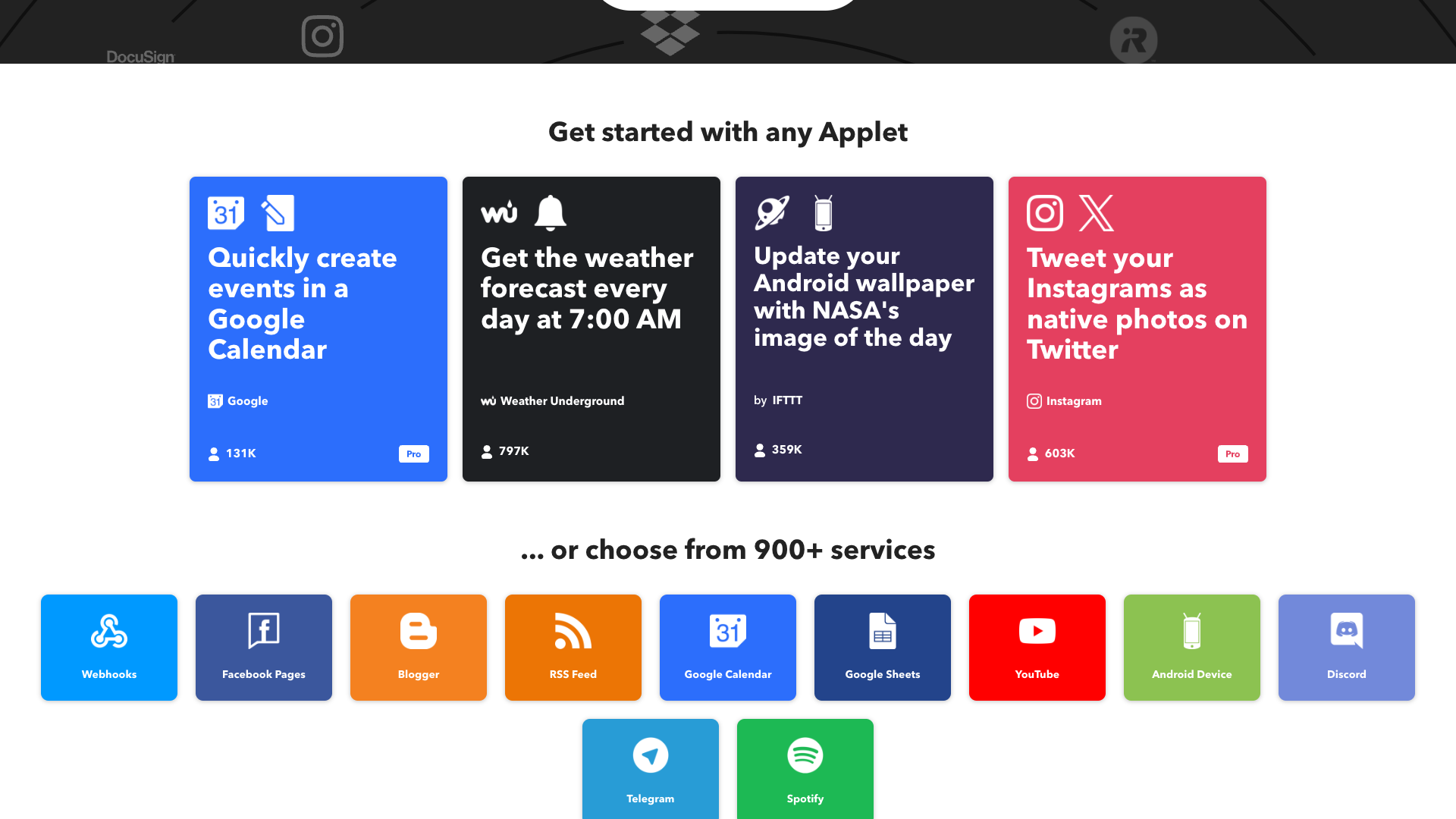
Users can connect over 900 services, including Google Calendar, Spotify, Discord, Telegram, smart home devices, and even AI-powered tools like the IFTTT AI Content Creator.
The platform is available on the web and through dedicated iOS and Android apps, making it easy to build and manage automations from anywhere.
IFTTT’s core promise is that everything in your digital life should "work better together" without requiring you to write code.
Core value proposition: Applets that connect everything
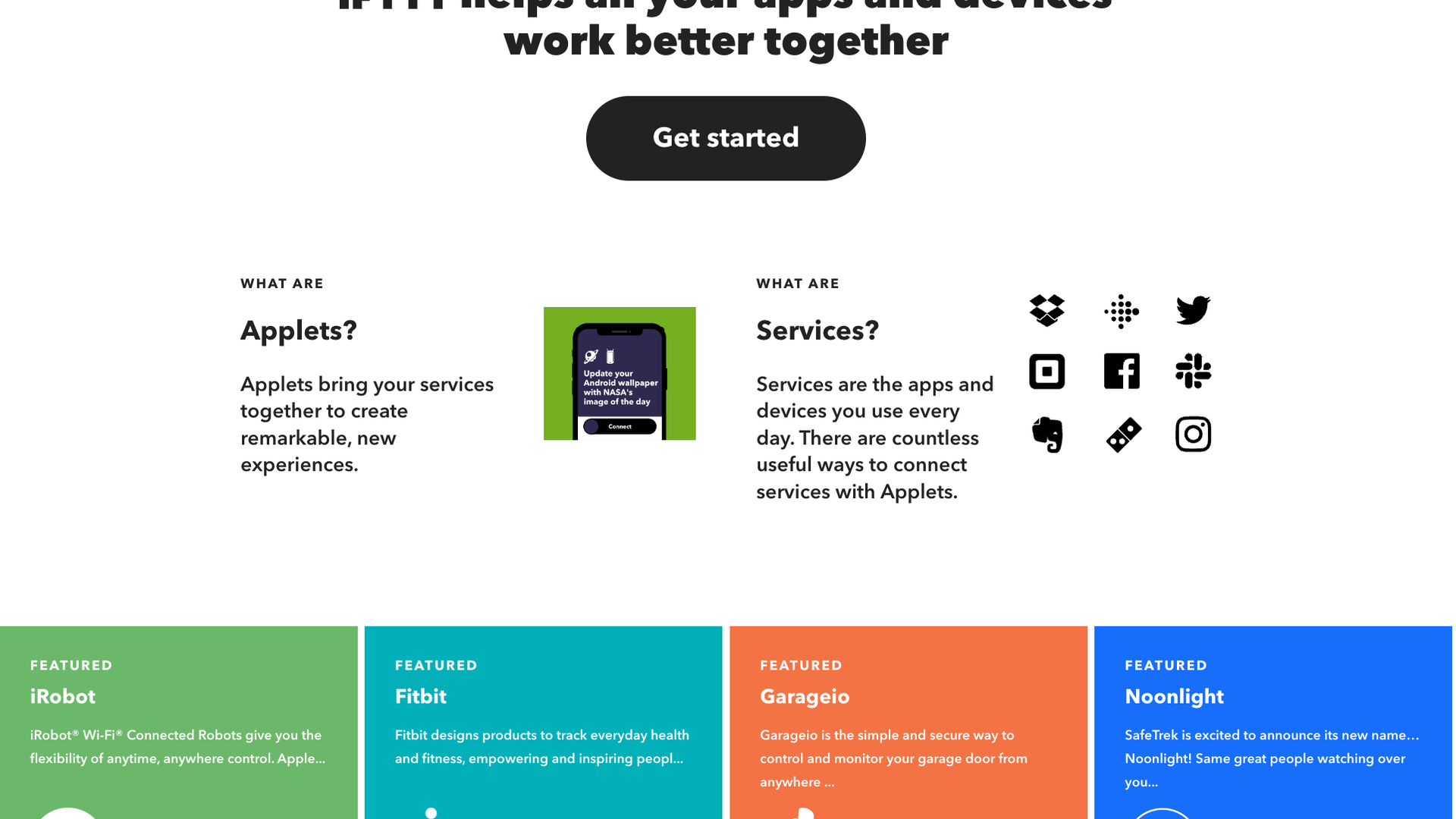
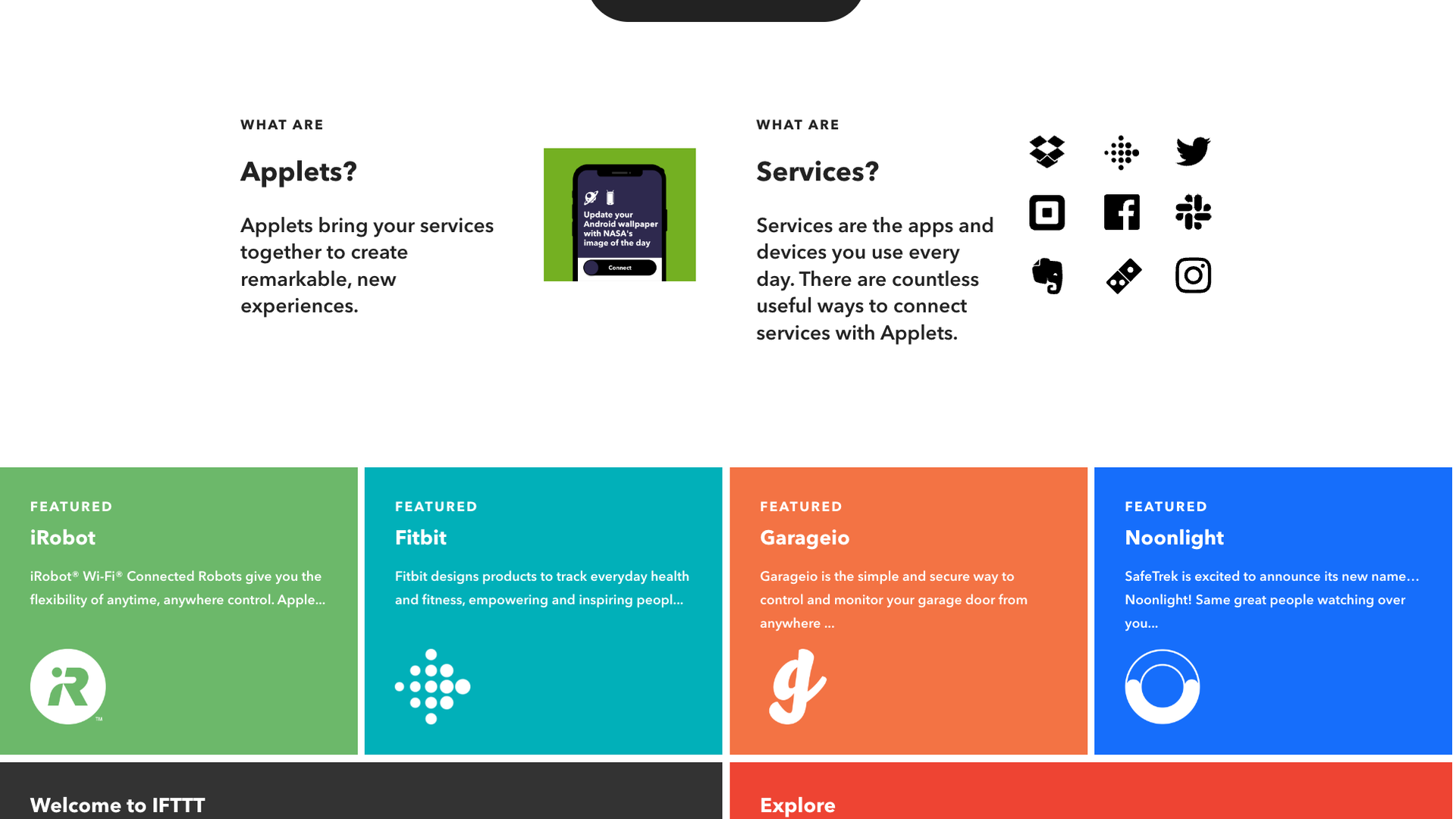
IFTTT’s core value proposition revolves around Applets, which connect two or more services so that when a trigger happens in one, an action runs in another.
On the About page, IFTTT explains that Applets create "remarkable, new experiences" by combining everyday apps and devices into seamless workflows.
The platform emphasizes that it is a leading connectivity platform used by millions of people and thousands of businesses, offering a standard, low-code way for diverse APIs to communicate.
For individuals, this means automations like tweeting Instagram photos as native Twitter images or logging work hours in Google Calendar; for businesses, it means lead capture, notifications, and content distribution across multiple channels.
The value is strongest for users who want a single hub to orchestrate smart home, productivity tools, and basic AI-powered content tasks without building custom integrations from scratch.
Features and capabilities
At its core, IFTTT offers Applets that connect triggers and actions across more than 900 services, including Google Workspace, social networks, smart home devices, and niche tools.
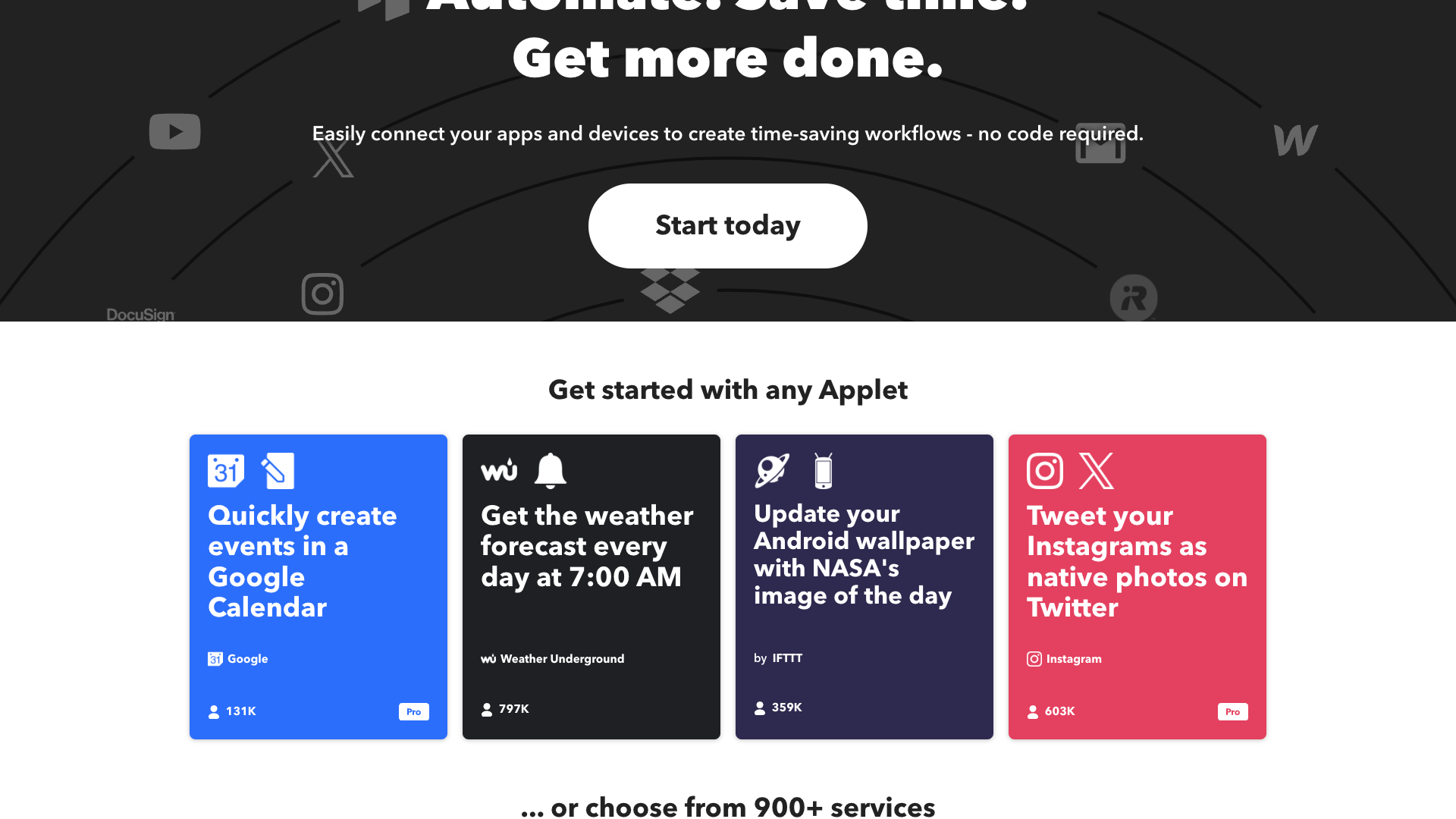
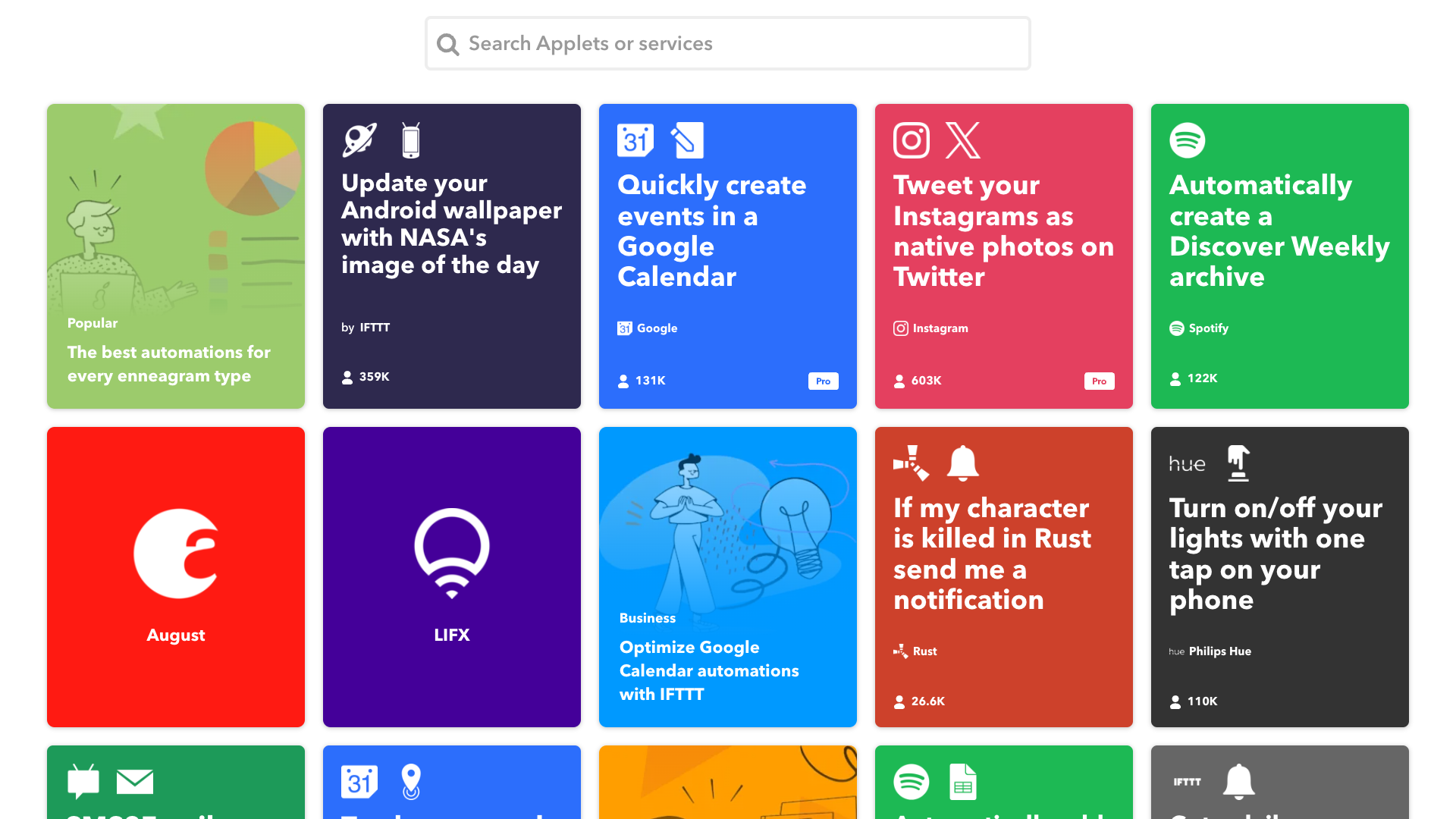
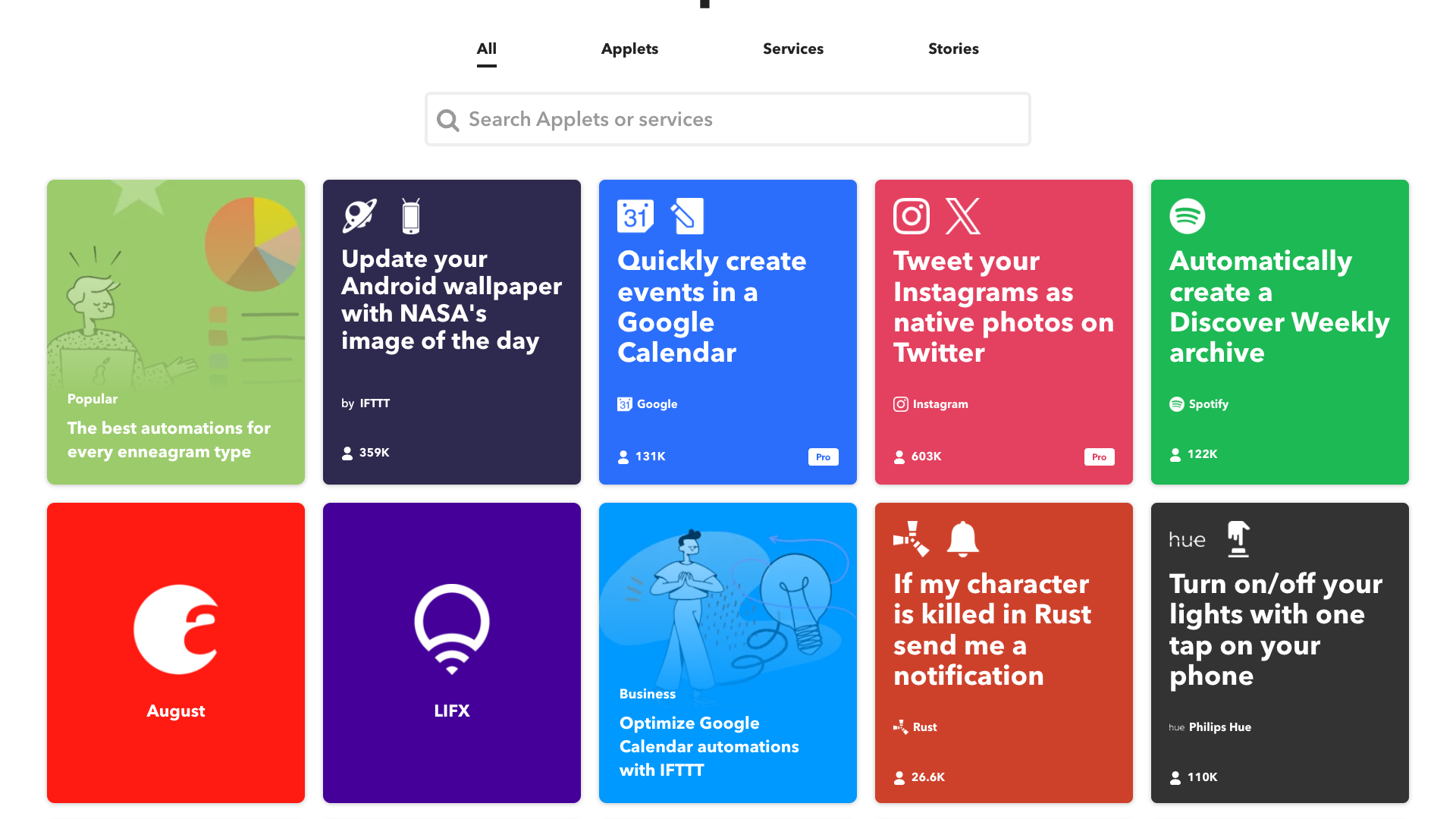
Users can browse pre-built Applets like "Quickly create events in a Google Calendar," "Tweet your Instagrams as native photos on Twitter," or "Update your Android wallpaper with NASA's image of the day," or build their own from scratch.
The platform supports multi-action Applets on paid plans, allowing a single trigger to perform several actions, such as posting to multiple social networks or updating multiple spreadsheets.
IFTTT also offers Webhooks, enabling advanced users to connect custom systems and APIs, and AI services like the IFTTT AI Content Creator to generate blogs and social media posts.
On Pro+ plans, users gain access to queries and filter code, which refine timing and conditions, add conditional logic, and unlock more sophisticated workflows for small businesses and power users.
- Applets that connect triggers and actions across 900+ services
- Pre-built Applet gallery for common automations
- Multi-action Applets on paid plans
- Fastest Applet speeds on Pro and Pro+
- Webhooks support for custom integrations
- AI Content Creator for blogs and social posts
- Queries and filter code for advanced logic
- Ability to connect multiple accounts per service on Pro+
- Mobile apps for iOS and Android
- Exclusive triggers, actions, and services on paid tiers
- Increased rate limits for heavy users
- Customer and prioritized support depending on plan
Pricing and plans
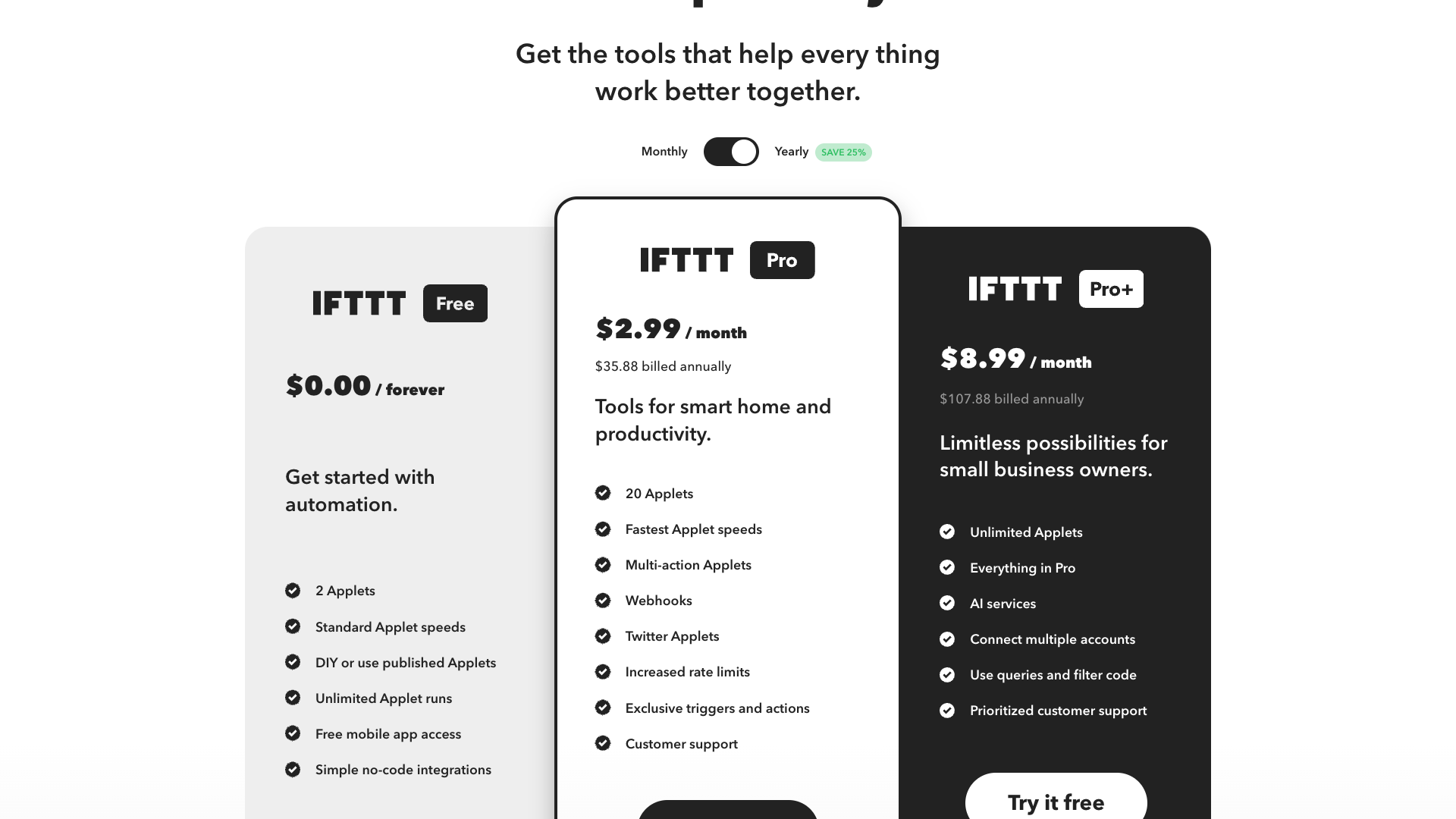
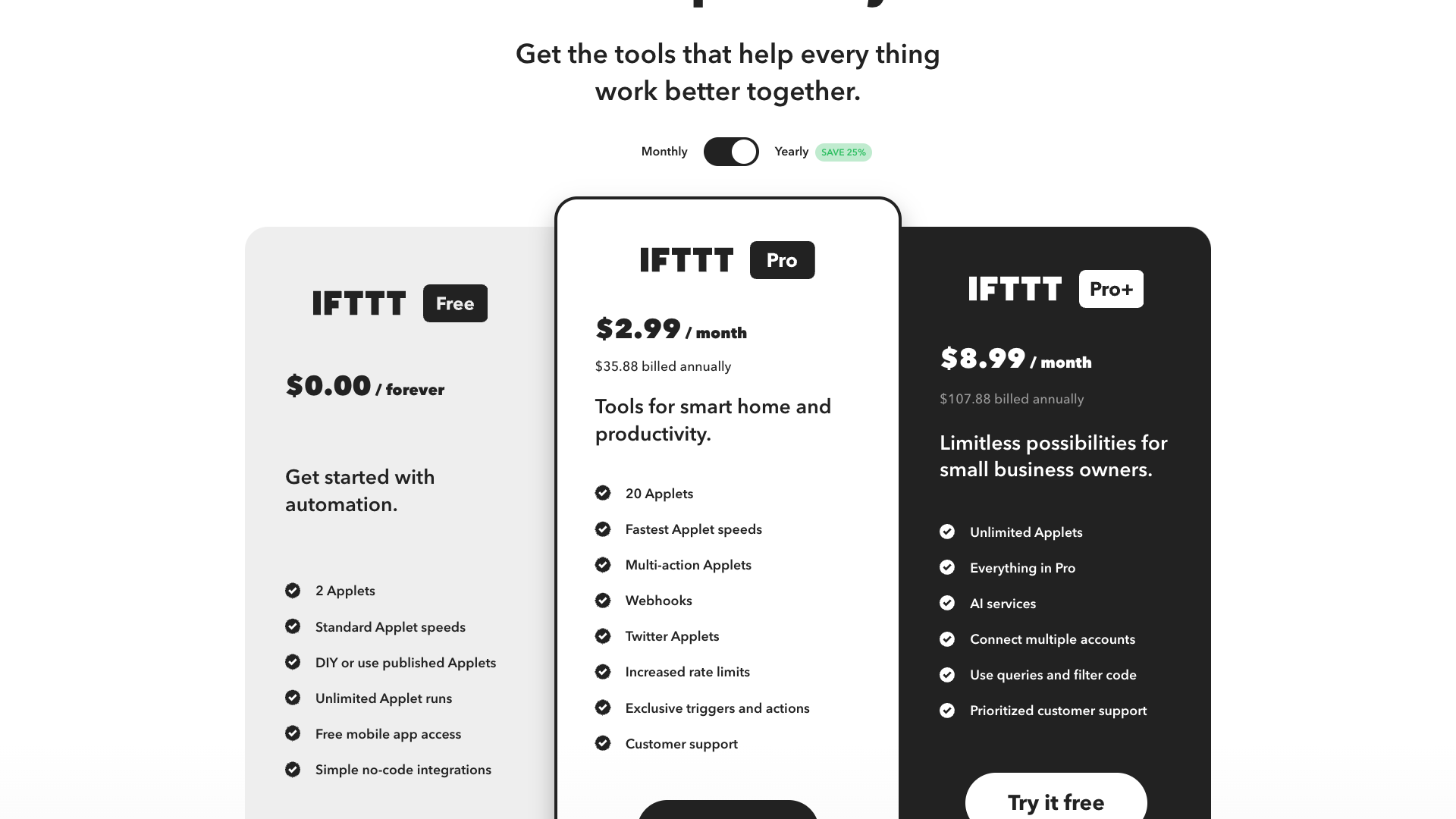
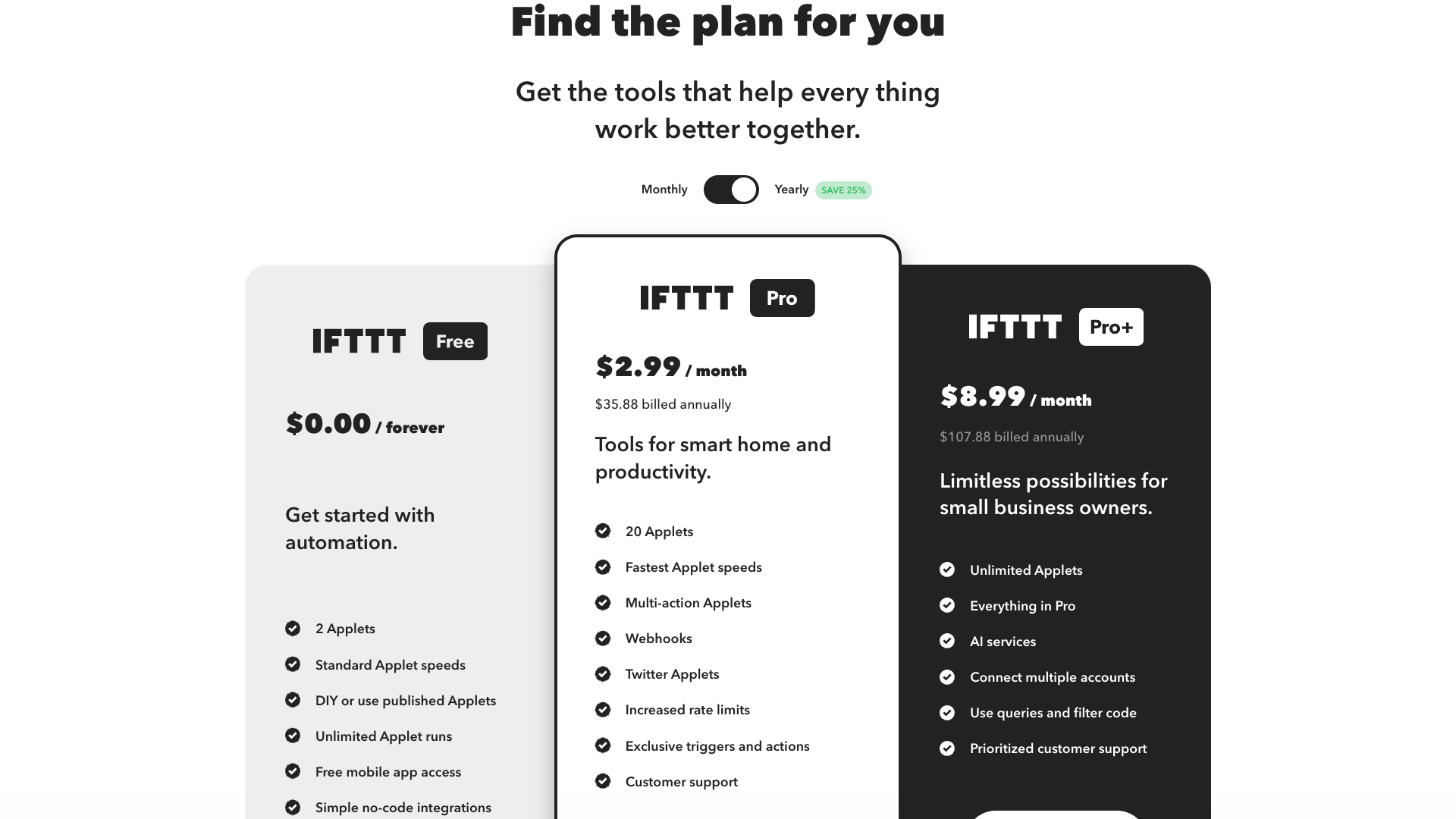
IFTTT’s Plans & Pricing page currently lists three main tiers: a free plan, Pro, and Pro+, with both monthly and discounted yearly billing options.
The free plan is designed for people "getting started with automation" and includes 2 Applets, standard speeds, unlimited runs, and access to the mobile apps and simple no-code integrations.
The Pro plan is aimed at smart home and productivity users, offering 20 Applets, fastest Applet speeds, multi-action Applets, Webhooks, Twitter Applets, increased rate limits, exclusive triggers and actions, and customer support.
The Pro+ plan targets small business owners and advanced users, with unlimited Applets, everything in Pro, AI services, the ability to connect multiple accounts per service, queries and filter code, and prioritized customer support.
There is also a separate business-focused offering accessible via the "Looking for a business solution?" section, which points to enterprise-grade features like behavioral insights, reliability, and dedicated support.
Pro
- 20 Applets
- Fastest Applet speeds
- Multi-action Applets
- Webhooks
- Twitter Applets
- Increased rate limits
- Exclusive triggers and actions
- Customer support
Billed at $35.88 annually when paid yearly; designed for smart home and productivity users.
Pro+
- Unlimited Applets
- Everything in Pro
- Fastest Applet speeds
- Multi-action Applets
- Twitter Applets
- Increased rate limits
- Exclusive triggers and actions
- AI services
- Connect multiple accounts per service
- Use queries and filter code
- Prioritized customer support
Billed at $107.88 annually when paid yearly; ideal for small business owners and advanced users.
Prices and features are based on the current IFTTT Plans & Pricing page and may change over time.
Customer feedback and social proof
IFTTT’s own site focuses more on use cases and partner brands than on traditional star-rated testimonials, but it still conveys social proof through usage numbers and featured services.
The homepage highlights that over 900 brands and services trust IFTTT to connect securely, and that the community has created popular Applets with hundreds of thousands of users.
Examples like "Tweet your Instagrams as native photos on Twitter" with over 603K users and "Quickly create events in a Google Calendar" with 131K users act as implicit endorsements of reliability and usefulness.
The About page reinforces this by showcasing well-known partners such as iRobot, Fitbit, and Noonlight, suggesting that major consumer brands rely on IFTTT for connectivity.
External review platforms typically praise IFTTT’s breadth of integrations and ease of use, while some advanced users note limitations around complex logic, debugging, and occasional service-specific rate limits.
- IFTTT was described as a game changer for connecting smart home devices without needing any coding knowledge. — Sarah M., Home Automation Enthusiast
- IFTTT was credited with saving several hours each week by automating calendar updates and social posts. — Daniel K., Freelance Marketer
- IFTTT was praised for its huge library of services, even though advanced logic sometimes felt limited. — Priya R., Small Business Owner
- IFTTT was highlighted as an easy way to prototype integrations before investing in custom development. — Lucas T., Product Manager
Our in-depth review of IFTTT
From a usability standpoint, IFTTT delivers on its promise of simple automation for everyday users, with a clean interface and a massive catalog of pre-built Applets that reduce the need to design workflows from scratch.
The mobile apps and web experience are consistent, and the ability to start from templates like weather alerts, social cross-posting, or calendar automations makes onboarding approachable even for non-technical users.
Where IFTTT really shines is in its breadth of integrations, especially across smart home, productivity, and communication tools, making it a strong choice if your goal is to orchestrate many different services in one place.
However, for complex business workflows, the reliance on Applet-based logic can feel constrained compared to full-blown automation suites, and debugging or monitoring large numbers of Applets is less transparent than some power users might like.
For content creators and social-focused professionals, IFTTT’s capabilities are helpful but relatively generic, and specialized tools like PostFlow offer deeper, AI-driven workflows specifically optimized for LinkedIn and multi-channel content strategies.
Pros
- Extremely broad integration ecosystem with 900+ supported services
- Simple, approachable Applet model suitable for non-technical users
- Generous free plan for basic automations
- Pro and Pro+ plans add meaningful power with multi-action Applets and filter code
- Mobile apps make it easy to manage automations on the go
- Webhooks and queries enable more advanced, semi-technical workflows
- Strong smart home and IoT support alongside business and productivity tools
Cons
- Complex, multi-branch business logic can feel constrained within the Applet model
- Debugging and monitoring many Applets is less transparent than in some automation suites
- Rate limits and service-specific constraints can affect heavy users
- Content and social workflows are more generic than in specialized tools like PostFlow
- Enterprise-grade features require separate business arrangements and custom pricing
Final verdict: Is IFTTT worth it?
Overall, IFTTT is a versatile, mature automation platform that is easy to recommend for individuals and small businesses who want to connect many services without writing code.
The free plan is generous enough to experiment with basic automations, while Pro and Pro+ unlock multi-action Applets, AI services, and advanced features like filter code and queries that meaningfully expand what you can build.
Its main strengths are the huge integration ecosystem and the simplicity of Applets, but those same design choices can limit extremely complex workflows or detailed observability for large-scale operations.
If your primary goal is to automate cross-app tasks, smart home routines, and simple content flows, IFTTT offers excellent value, especially on the Pro+ plan for small business owners.
If you are specifically focused on content creation and LinkedIn growth, pairing or replacing IFTTT with a specialized tool like PostFlow will likely deliver better results and a more streamlined experience.
Alternatives
If IFTTT isn't the right fit, consider these similar tools:
Last updated: 17.11.2025

