
At its core, scheduling social media posts is about using either a platform's built-in scheduler or a third-party tool to line up and publish your content ahead of time. This simple shift in workflow lets you batch content creation and automate the publishing process, transforming what feels like a daily chore into a well-oiled system.
Why Scheduling Social Media Is a Strategic Advantage
Let’s be clear: scheduling your posts is about so much more than just saving time. It's a fundamental business strategy for building a predictable, authoritative presence online. Consistency is currency—it signals reliability to your audience and, just as importantly, to the platform algorithms. This is especially true on a network like LinkedIn, where regular, valuable activity is the bedrock of trust with potential clients and partners.
By ditching the chaotic, "what do I post today?" scramble, you free up a ton of mental energy. Instead of constantly brainstorming on the fly, you can put your focus back on high-value work—like serving clients, networking, or actually growing your business.
Think of scheduling less as a task and more as a system that works for you. It's the engine that ensures your expertise is consistently shared, turning your knowledge into high-impact content without the daily grind.
The Power of Posting Frequency
Consistency gets rewarded, period. On platforms like LinkedIn, the algorithm is designed to actively promote accounts that contribute valuable content on a regular basis. It's not just about showing up once in a while; it's about building momentum that the platform can get behind and amplify.
The data backs this up. A recent analysis of over 2 million LinkedIn posts found a direct link between how often you post and how far your content travels. Simply jumping from one post per week to 2-5 posts per week resulted in an average of 1,182 additional impressions per post. And the gains just keep climbing from there. For anyone using a tool like PostFlow, this data screams one thing: a structured schedule delivers far more impact than sporadic, last-minute updates. You can dive into the complete analysis on LinkedIn post frequency to see the full picture.
This chart really drives the point home, showing how LinkedIn’s algorithm rewards more frequent posting with a serious boost in reach and engagement.
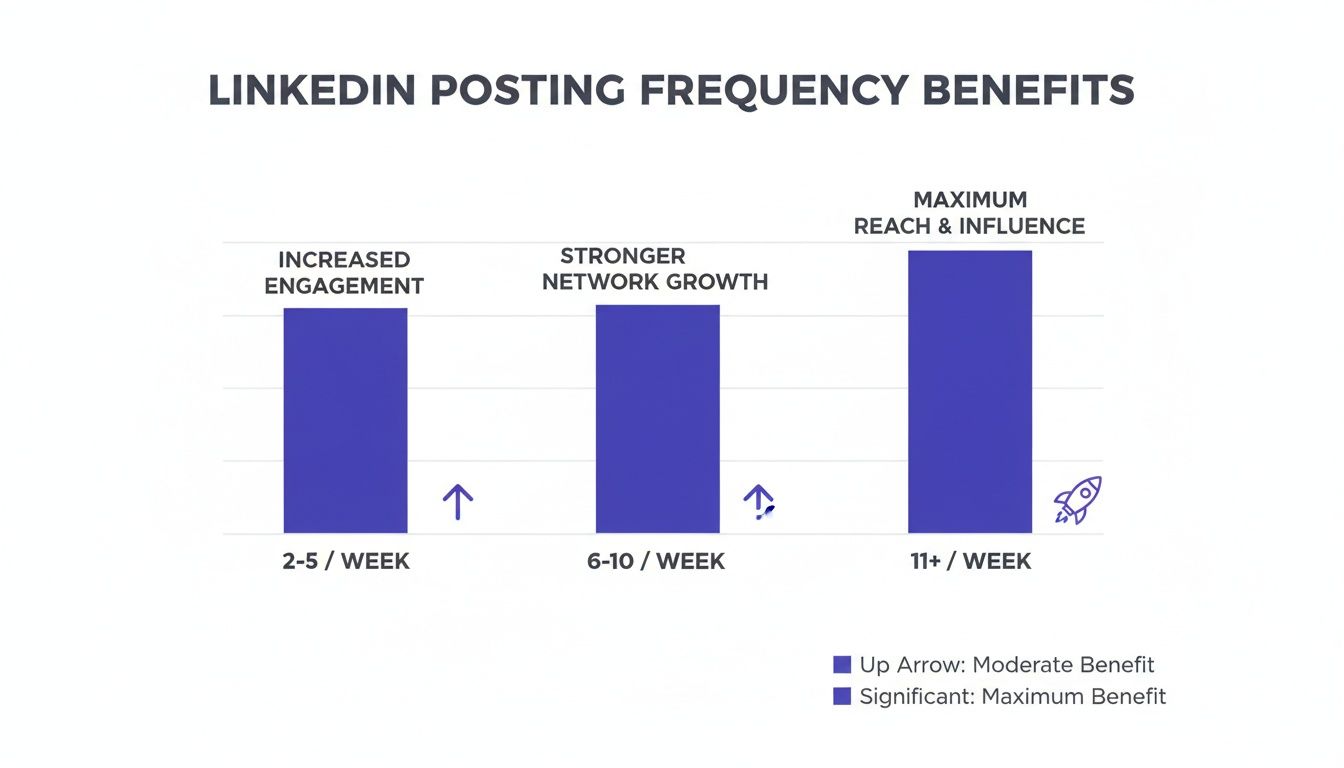
The takeaway here is simple: as your posting cadence increases, your visibility doesn't just grow incrementally—it grows exponentially.
Building a Sustainable Content System
Ultimately, the goal is to build a content engine you can rely on, one that runs smoothly in the background. Scheduling is the key that keeps that engine humming. It ensures your message consistently reaches your audience at the best possible times, reinforcing your expertise and keeping you top-of-mind.
This is exactly why tools like PostFlow exist. They are built to solve this specific challenge, making strategic, consistent posting not just a goal, but an achievable reality for any busy professional.
Build Your Content Engine Before You Schedule Anything
You can't schedule what you don't have. I've seen it a hundred times: someone gets excited about being consistent on social media, signs up for a scheduling tool, and then... crickets. They spend more time staring at an empty calendar than actually creating anything.
This simple truth is the biggest roadblock for most people. Jumping straight to a scheduler without a content plan is like building a pipeline with nothing to flow through it. The secret isn't waiting for daily inspiration; it's building a sustainable system first. Let's fix that.
Define Your Core Content Pillars
Before you write a single word, you need to know what you're going to talk about. Your content pillars are the core topics you want to be known for. Think of them as the main categories or themes that anchor your entire social media presence. They provide structure and make sure every post is relevant to your audience and your goals.
For example, a B2B consultant I know focuses their entire LinkedIn strategy on just a few key areas:
- Industry Insights: Sharing their unique take on market trends.
- Behind-the-Scenes: Showcasing their process and the human side of their work.
- Client Success Stories: Highlighting real-world results and testimonials.
- Practical Frameworks: Offering actionable advice and how-to guides.
Having just 3-5 defined pillars makes content creation infinitely easier. Instead of facing a blank page, you just have to ask, "What can I say about 'Industry Insights' this week?" This clarity keeps you from drifting off-topic and reinforces your expertise with every single post.
Master the Art of Content Batching
Once your pillars are set, content batching becomes your secret weapon for getting things done. The idea is simple: stop creating content on the fly every single day. Instead, you block off a specific chunk of time—maybe two hours every Monday morning—to create all your content for the upcoming week.
This method works wonders because it lets you get into a creative flow state. You're not constantly switching between writing, answering emails, and joining meetings, a process that absolutely kills productivity. During your batching session, you can focus on one thing: brainstorming ideas for each pillar and drafting the posts.
The goal of batching isn't just to save time; it's to preserve your mental energy. By dedicating one focused session to content creation, you free up the rest of your week for client work, sales, and strategy, knowing your social media is already handled.
This process becomes even more powerful when you have a workflow that supports it. This is exactly why we designed PostFlow the way we did. During your batching session, you can use its AI-powered interview to just record your raw thoughts on a topic. Emilia, our AI strategist, then helps you turn that one creative burst into a full week's worth of refined, ready-to-schedule post drafts for LinkedIn.
By combining solid content pillars with a dedicated batching routine, you shift from being reactive to proactive. You’re no longer scrambling for ideas—you’re executing a plan. This is how you build a real content engine.
Choosing the Right Social Media Scheduling Tool
Okay, you’ve got your content engine humming. Now comes the fun part: picking your tech. Let’s be real, not all scheduling tools are the same, and what works for one person might be a total workflow-killer for another.
The market is crowded, but your options really boil down to two main camps: the free, built-in schedulers on the platforms themselves, and the more robust, dedicated third-party apps.
Figuring out which path to take is the first step in building a scheduling system that actually saves you time instead of causing more headaches.
The Free and Simple Route: Native Schedulers
Nearly every big player—LinkedIn, Facebook, you name it—now has its own scheduling feature baked right in. These are a fantastic starting point if you’re laser-focused on just one platform or are just dipping your toes into the scheduling waters.
The appeal is obvious:
- They're 100% free. No monthly fees, period. That's a huge win for solopreneurs or businesses just starting out.
- They’re dead simple. There’s no learning curve. You can queue up a post in a few clicks without getting lost in a sea of features.
- You never worry about compatibility. Since the tool is part of the platform, it’s always going to work perfectly with new post formats or algorithm changes.
But that simplicity is a double-edged sword. Native schedulers are bare-bones. You get zero advanced analytics, no cross-platform management, and forget about team collaboration. If you're managing more than one profile, you’ll be bouncing between tabs all day, which kind of defeats the whole purpose of scheduling.
The All-in-One Command Center: Third-Party Tools
This is where the game changes. Third-party tools like Buffer or Hootsuite were built to be the central hub for your entire social media operation. They hook into all your accounts, letting you plan, schedule, and analyze everything from a single dashboard.
The real magic of a third-party tool isn't just about putting posts in a queue—it's about creating a system. You get a bird's-eye view of your content calendar, streamline approvals, and pull data-driven insights that native tools just can't touch.
These tools are built for serious efficiency. Think bulk scheduling, team workflows, and deep-dive analytics that tell you what’s actually working. The trade-off? They come with a subscription fee, and some can feel like overkill if all you need is basic scheduling.
So, how do you decide? Here’s a quick breakdown.
Native Schedulers vs. Third-Party Tools
| Feature | Native Schedulers (e.g., LinkedIn, Facebook) | Third-Party Tools (e.g., PostFlow, Buffer) |
|---|---|---|
| Cost | Completely free to use. | Monthly or annual subscription fees. |
| Platform Support | Single platform only. | Manages multiple platforms from one dashboard. |
| Core Functionality | Basic scheduling and publishing. | Advanced features like bulk scheduling, content queues, and smart time slots. |
| Analytics | Limited, platform-specific metrics. | In-depth, cross-platform performance reports. |
| Collaboration | No team features. | Designed for teams with approval workflows and user roles. |
| Ease of Use | Very simple and intuitive. | Can have a steeper learning curve due to more features. |
Ultimately, native schedulers are great for getting started, but third-party tools are what you need to scale.
This is also where a new wave of specialized tools is making a mark. Instead of trying to do everything for everyone, a platform like PostFlow goes deep on mastering a single, high-impact network like LinkedIn.
Its value isn’t just in scheduling; it’s a complete content system. It walks you from AI-powered idea generation straight through to a smart scheduler fine-tuned to maximize your reach on the world’s top professional network. It’s about solving a specific, critical need with powerful, focused features.
Your Practical Workflow for Effortless Scheduling
Theory is great, but let's get our hands dirty. I'm going to walk you through an actual workflow you can start using this week to make content scheduling a seamless part of your routine—not just another chore on your to-do list. We'll use a LinkedIn-focused tool like PostFlow as our model because it's designed to turn expertise into consistent, high-impact content.
This whole process is about moving from a raw idea all the way to a perfectly timed post, shaving off friction at every turn. It’s less about just plugging holes in a calendar and more about building a reliable system that guarantees you show up for your audience, week in and week out.
From Raw Idea to Polished Draft
It all starts with an idea. The best ones often hit when you're nowhere near a keyboard. Forget clunky note-taking apps; this can be as simple as firing off a quick voice note on your phone. In a tool like PostFlow, this is literally the first step. You talk, it transcribes.
From there, you turn those scattered thoughts into polished drafts. This is where having an AI assistant feels like a superpower. Instead of staring at a blinking cursor, you get AI-generated post ideas based on what you just said. You can then jump into an editor to refine the drafts, tweaking the tone and sharpening the message until it’s just right.
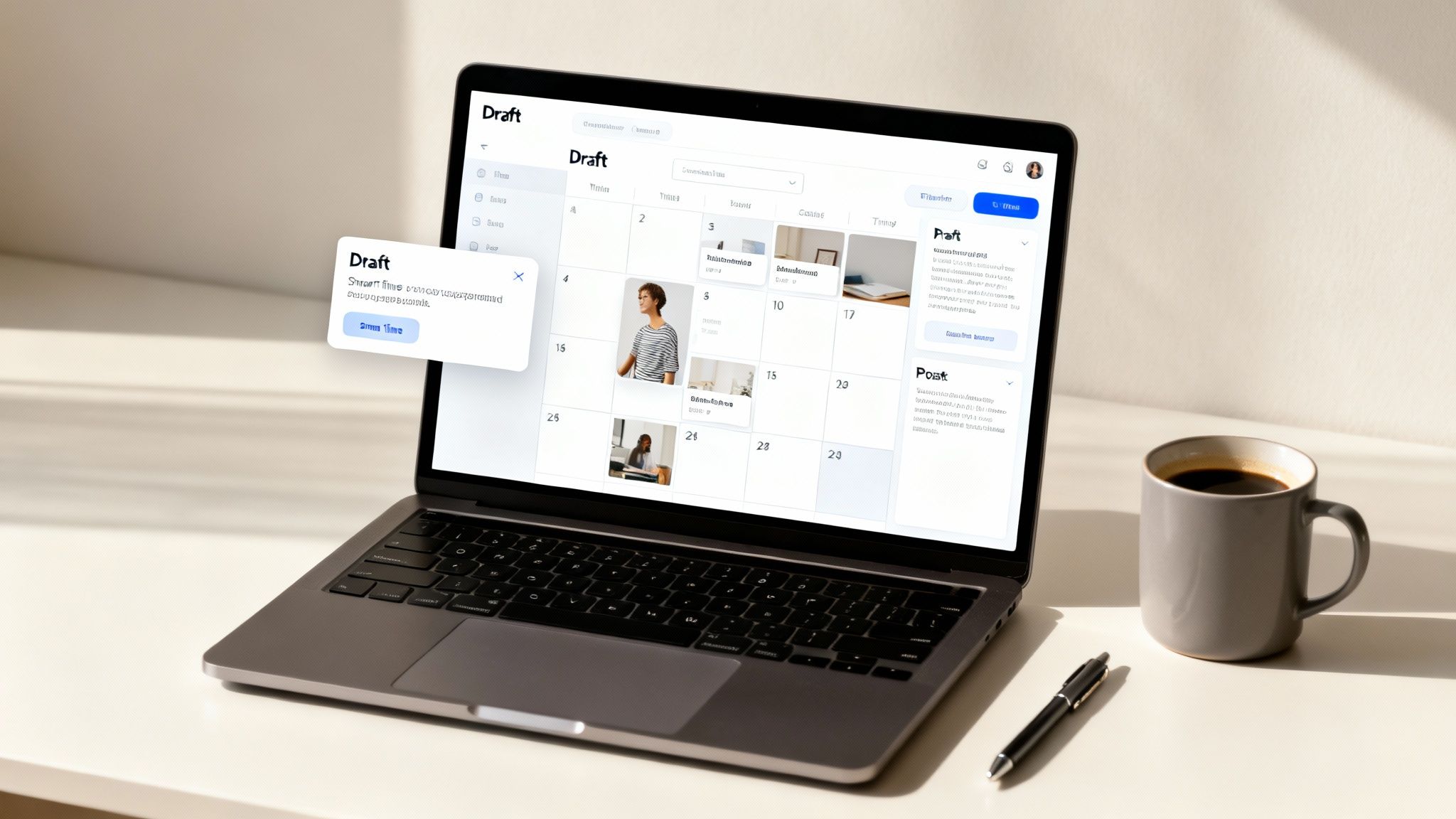
This PostFlow editor shows exactly how you can go from raw notes to a polished draft, with the final preview right there on the screen.
Having your original thoughts, the working draft, and the final preview all in one view makes the editing process so much faster and more intuitive.
Loading and Optimizing Your Content Calendar
Once you've got a batch of posts you're happy with, it's time to load them into your content calendar. This is where you get that crucial bird's-eye view of your posting cadence for the next week or month. A visual calendar is perfect for spotting gaps and making sure you have a balanced mix of content from your different pillars.
The real magic of a smart scheduling tool isn't just queueing up posts—it's helping you publish them at the moments of maximum impact. You're not just guessing anymore; you're using data to your advantage.
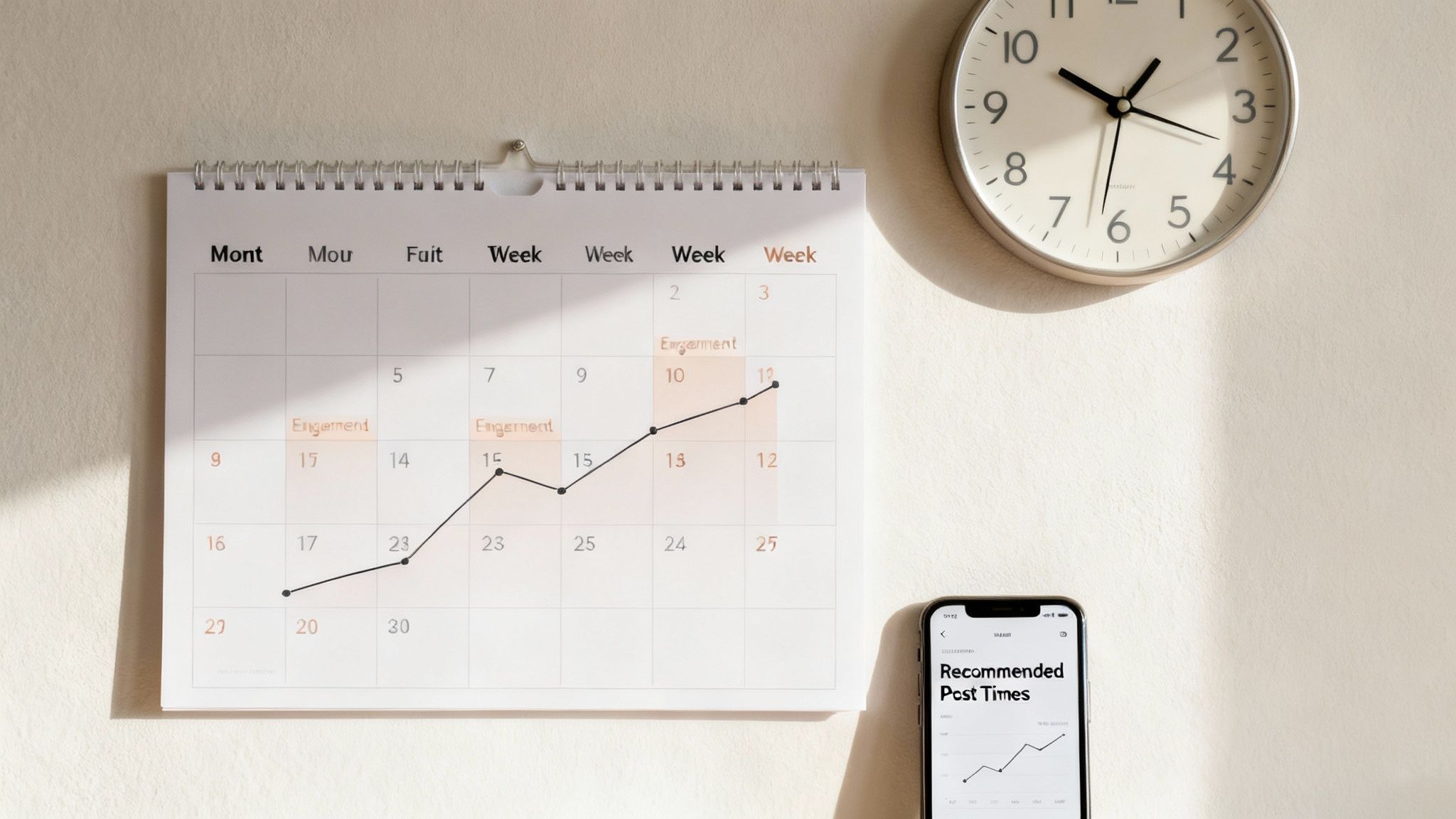
Modern schedulers do more than just hold your content; they offer intelligent time suggestions based on when your specific audience is most active. Forget those generic "best times to post" articles. These tools analyze your account's own engagement data to pinpoint optimal slots.
A solid social media posting schedule is a living, breathing plan, not something you set in stone once. Using data-driven timing is what turns a repetitive chore into a strategic advantage.
- Capture Effortlessly: Use voice notes to grab ideas whenever they strike.
- Refine with AI: Instantly turn rough thoughts into multiple post drafts.
- Schedule Intelligently: Drop your content into a visual calendar and let smart time suggestions boost your reach and engagement.
By sticking to this flow, you completely eliminate that daily "what on earth do I post?" anxiety. You start showing up consistently, the quality of your content stays high, and you free up a ton of mental energy to focus on what actually matters: running your business.
Finding the Best Times and Frequency to Post
Getting your content scheduled is only half the battle. If you want to turn that effort into real impact, you have to make sure it lands in front of your audience at the exact moment they’re ready to listen.
There's no single magic formula here. The "best" time to post is a moving target that depends entirely on your specific audience and their online habits. That said, we can make some highly educated guesses based on solid data.
For a professional network like LinkedIn, engagement consistently peaks mid-week during standard business hours. This isn't a fluke; it's a direct reflection of when its user base of professionals, founders, and consultants is most active and mentally "switched on" for business-related content.
Pinpointing Your Prime Posting Windows
To truly nail your timing, you have to get specific. General advice is a decent starting point, but the details are what drive results. For company pages on LinkedIn, the data shows that the sweet spots are concentrated on Tuesdays through Thursdays.
Research reveals some very specific, strategic windows for engagement. For instance, Tuesdays see high activity from 8 a.m. to 2 p.m., while Wednesdays and Thursdays have two key peaks: one around 8 a.m. and another during the lunch hour around noon.
This kind of precision allows you to move beyond guessing and start making data-informed scheduling decisions.
Remember, these time slots are your starting line, not the finish line. Use them as your initial guide, but pay close attention to your own analytics to see when your unique audience is most responsive.
Consistency Trumps Everything
While timing is crucial, it’s your posting frequency that really powers your social media strategy. Posting consistently keeps you top-of-mind and, more importantly, signals to the algorithms that you're an active, valuable contributor. On LinkedIn, for example, just posting weekly can lead to a two-times lift in engagement.
Your posting frequency needs to be ambitious but also sustainable. You don't want to burn out.
Here are a few common cadences to consider:
- Getting Started: 2-3 posts per week to build initial momentum.
- Building Authority: 4-5 posts per week (think once per business day).
- Leading the Conversation: 1-2 posts per day for maximum visibility.
The real key is choosing a schedule you can actually stick to. This is where a tool like PostFlow becomes invaluable. Its smart scheduling suggestions analyze your past engagement to recommend the optimal times to post, completely removing the guesswork.
This helps you post when your audience is not just online, but actively listening, ensuring your insights get the visibility they deserve. For an even deeper dive, our guide on the best time to post on LinkedIn offers more strategies to maximize your reach.
Beyond Scheduling: How to Analyze and Improve Your Strategy
Effective social media isn’t a one-and-done task; it’s a living, breathing cycle. Getting your posts scheduled is a massive first step, but the real magic happens when you start analyzing what happens after they go live. That’s what drives long-term growth.
It’s way too easy to fall into the "set it and forget it" trap. You fill up your content calendar, hit schedule, and walk away. But that’s like sailing without ever checking your compass—you might be moving, but you have no idea if you're actually getting closer to your destination.
Make it a weekly ritual to check in on your key metrics. These numbers tell you a story about what your audience genuinely connects with, giving you a direct feedback loop to make your content strategy smarter.
What Metrics Actually Matter
Don’t get bogged down by vanity metrics that look good but mean very little. Instead, focus on the data that signals a real connection and tells you what’s actually working.
Here’s what you should be watching:
- Engagement Rate: This is your north star. It measures likes, comments, and shares relative to your follower count, showing you exactly how much your content resonates.
- Impressions and Reach: Simply put, how many eyeballs saw your post? Tracking this helps you understand your content’s visibility and how the algorithm is treating you.
- Comments and Conversations: Are people just scrolling past, or are your posts sparking actual discussions? Quality comments are a huge indicator of a healthy, engaged community.
By consistently tracking these numbers, you start to answer the big questions. Which of your content pillars gets the most love? Do your followers prefer text-only updates or posts with images? The answers are sitting right there in the data.
Once your posts are live, digging into their performance is the key to refining your approach. To get the ball rolling, you can learn more about how to track social media analytics from this fantastic guide.
Closing the Loop with Integrated Analytics
The final piece of the puzzle is turning these insights into action. The whole point is to make smarter, data-informed decisions for your next batch of content. This is where having an integrated system becomes a massive advantage.
Tools like PostFlow close this loop by showing you performance insights right where you manage your calendar. No more exporting spreadsheets or juggling multiple tabs. You can see which posts popped off and immediately apply those learnings to what you’re scheduling next.
This creates a powerful, self-improving system. You schedule, you publish, you analyze, and you refine—all within one workflow. For a deeper dive into this process, check out our complete guide on how to measure social media success.
This continuous feedback cycle transforms scheduling from a simple time-saver into a strategic growth engine. You stop guessing what your audience wants and start giving them exactly what they’re asking for.
Stop missing opportunities on LinkedIn. Let PostFlow help you turn your expertise into consistent, engaging content that grows your business. Get started with PostFlow today!

