
Shield Analytics for LinkedIn Review

Table of Contents
What is Shield and who is it for?
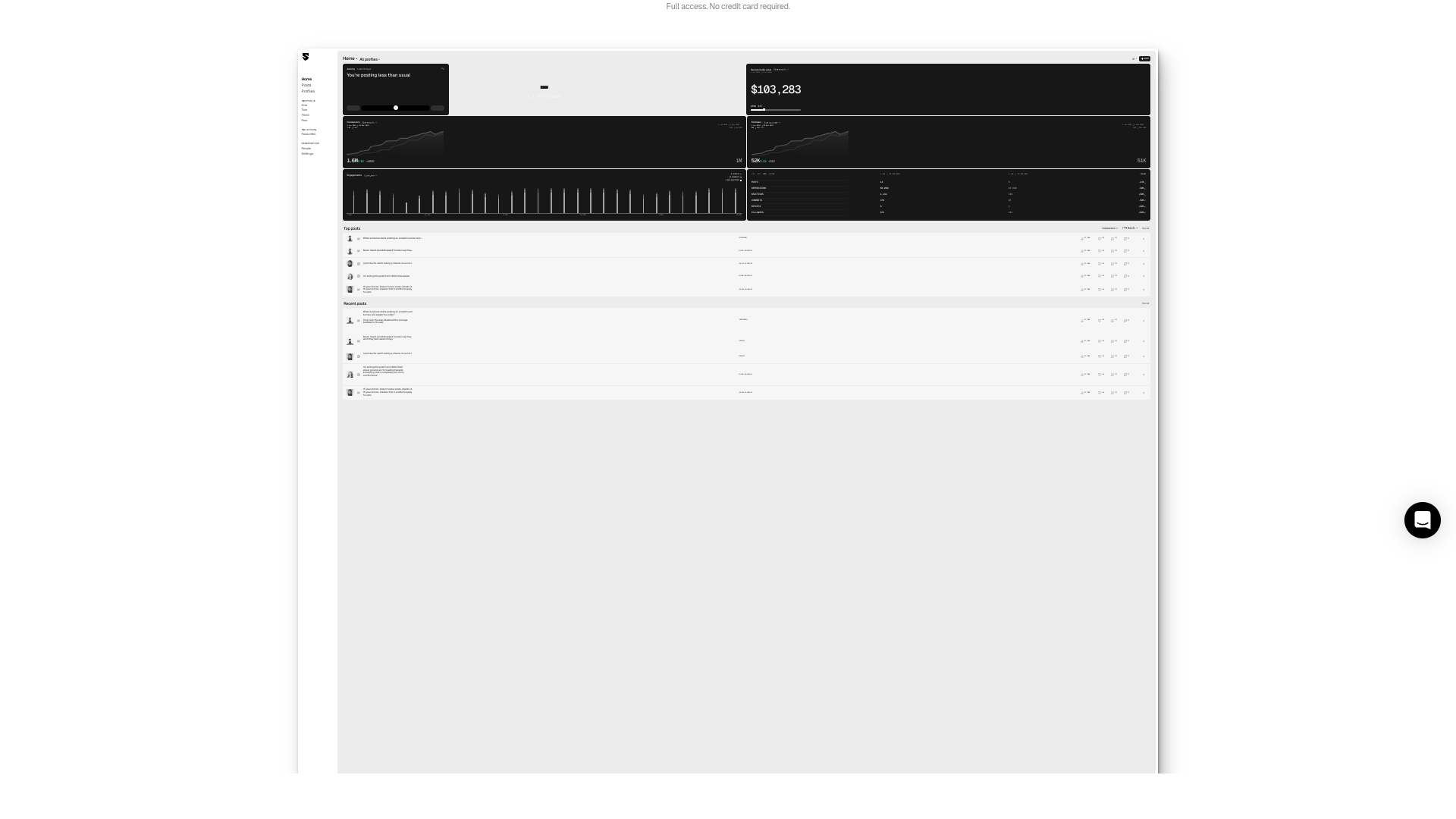
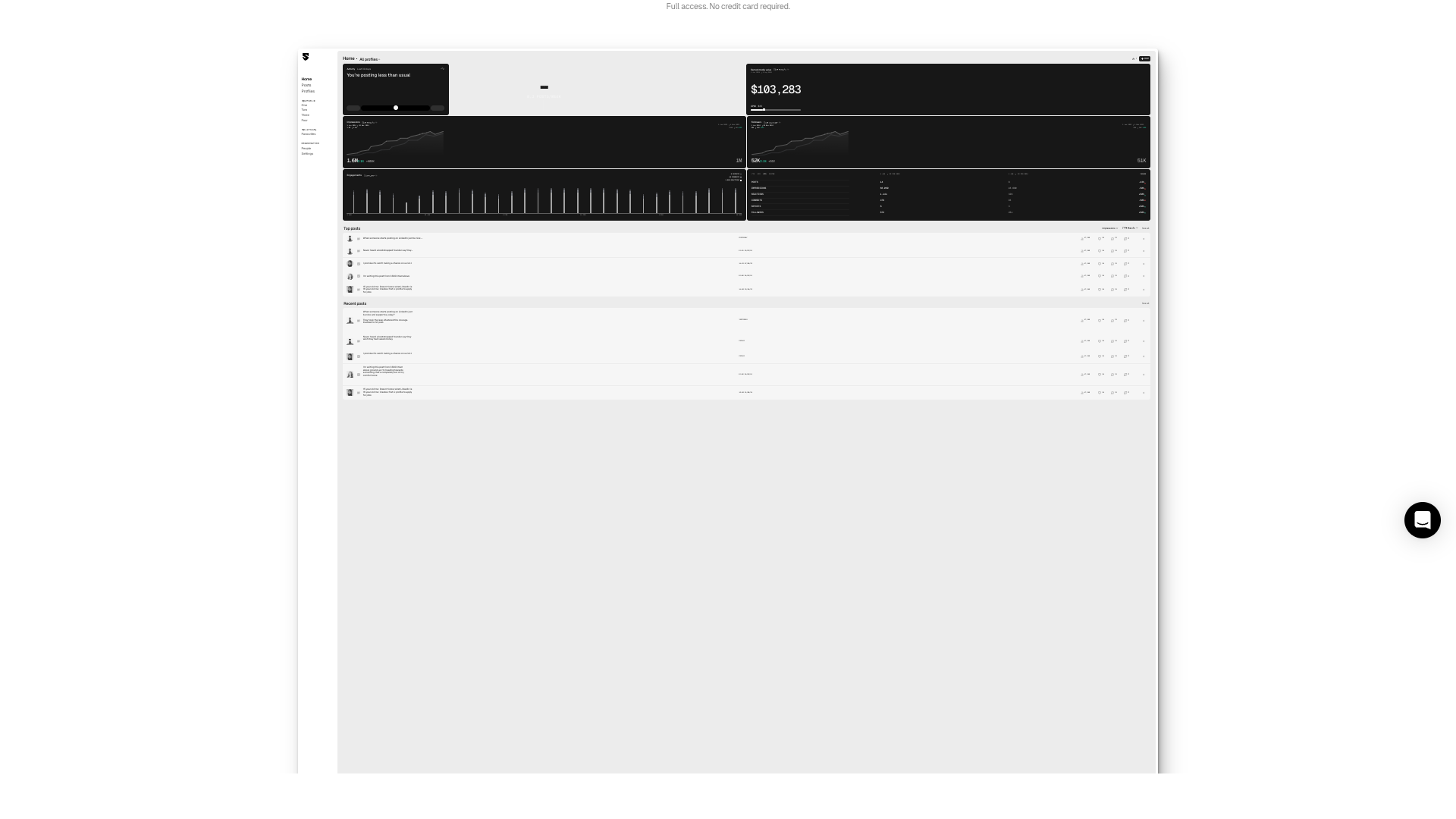
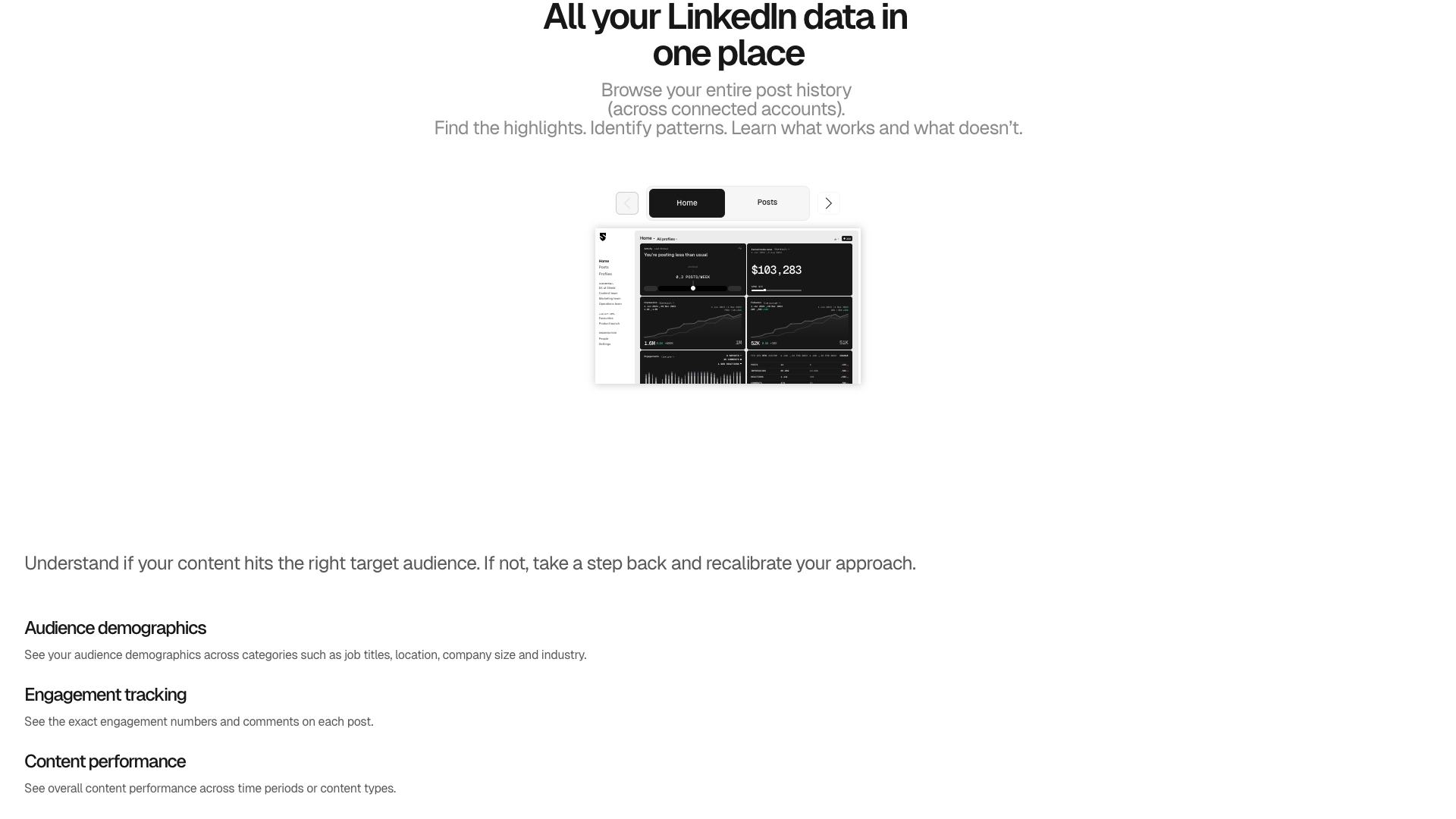
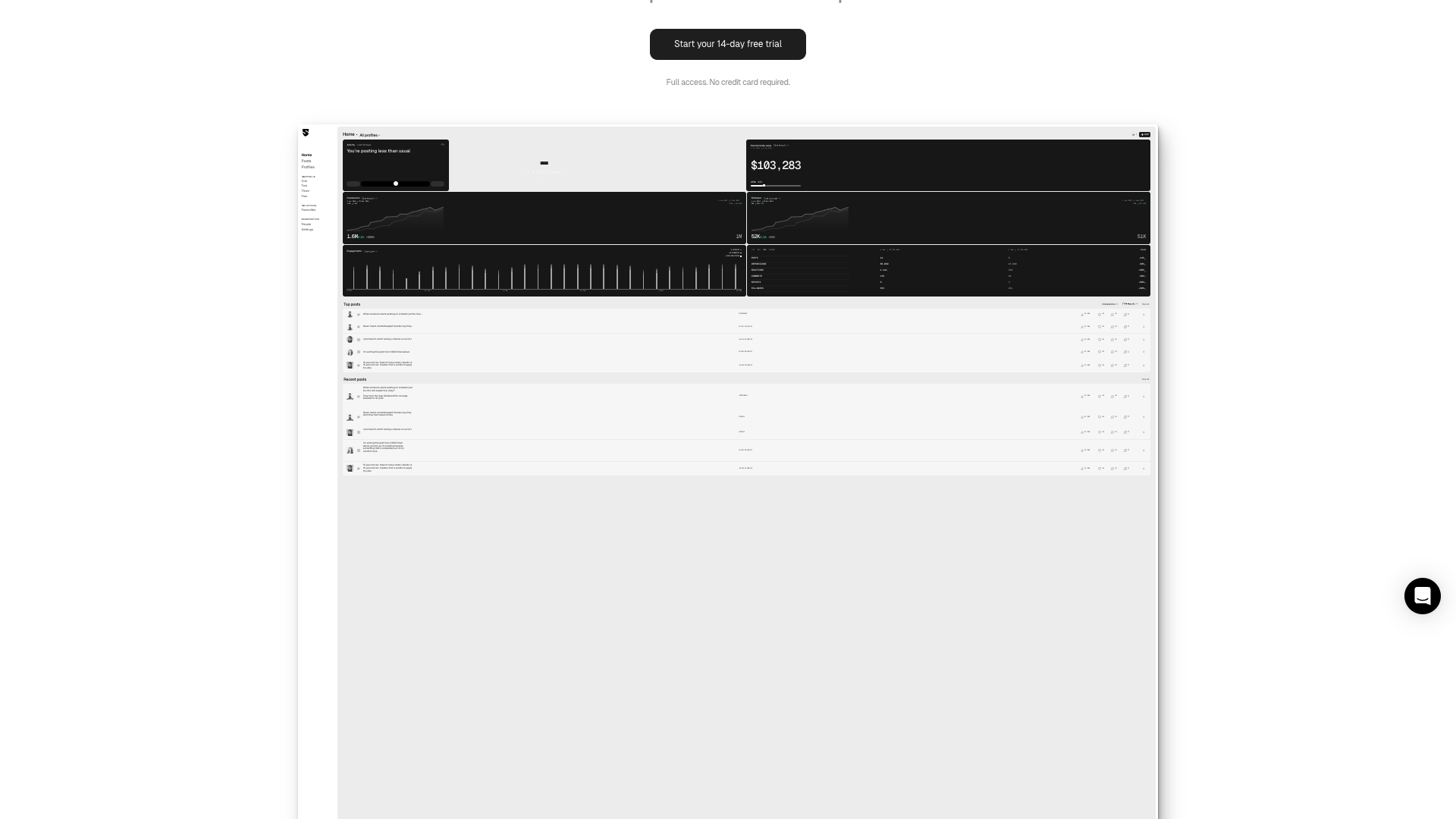
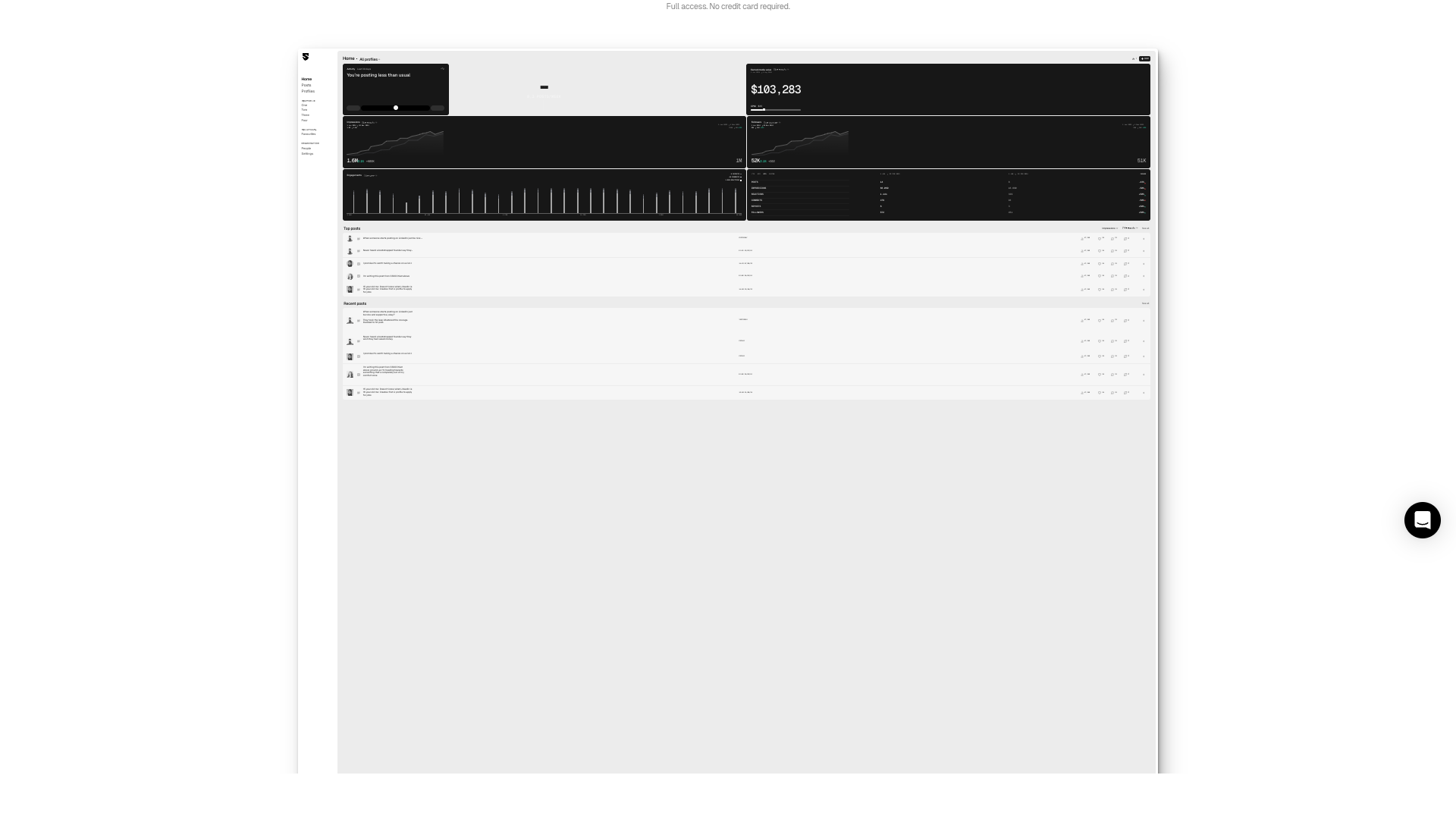
Shield positions itself as “the only LinkedIn analytics tool you need”, focused entirely on personal profiles and the content they publish. The homepage emphasizes connecting and tracking multiple personal LinkedIn profiles at scale, making it especially relevant for teams, agencies, and brands that rely on employee advocacy. The interface shown in screenshots highlights metrics like impressions, followers, engagements, and earned media value over time.
The product has been trusted by creators and brands in more than 50 countries and processes millions of LinkedIn posts from thousands of accounts. Shield has existed since at least 2019, which gives it a maturity advantage over many newer LinkedIn tools. However, the current public site is relatively minimal and leans heavily on in-app visuals rather than detailed feature breakdowns.
From the available information, Shield is best suited for LinkedIn creators, marketing teams, and agencies who already post regularly and now want to understand performance at a deeper level. It is less about content creation and more about measurement, optimization, and reporting on what has already been published. If you are just starting on LinkedIn and mainly need help writing posts, you may find more value in pairing Shield with a dedicated content-generation tool.
Core value proposition: LinkedIn analytics made actionable
Shield’s core promise is to turn LinkedIn activity into clear, actionable insights for individuals and organizations. The main dashboard shown on the homepage aggregates posts, impressions, reactions, comments, reposts, and follower growth into a single view. It also highlights whether you are posting more or less than usual, giving quick feedback on your consistency.
A standout element in the screenshots is the earned media value metric, which estimates the monetary value of your LinkedIn reach based on CPM assumptions. This is particularly useful for brands, agencies, and creators who need to justify LinkedIn efforts in financial terms. The tool also surfaces top posts and recent posts with detailed metrics, making it easier to identify what resonates.
For organizations, Shield appears to focus on scaling personal profile analytics across many people, not just company pages. You can connect multiple profiles, compare performance over time, and understand how employee advocacy contributes to overall reach. This makes Shield more strategic than simple native LinkedIn analytics, especially for teams that treat personal branding as part of their marketing mix.
Key features and capabilities of Shield
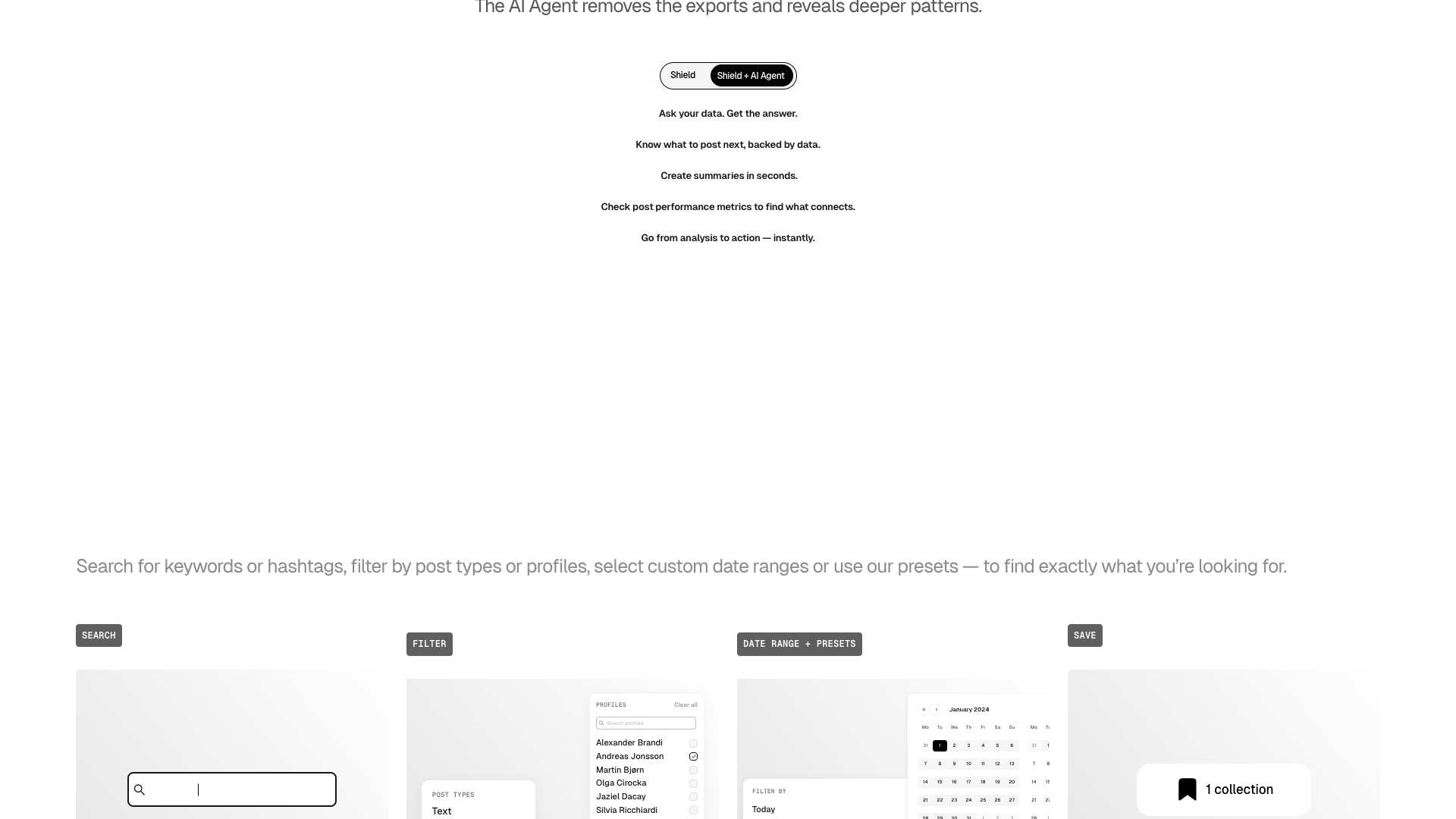
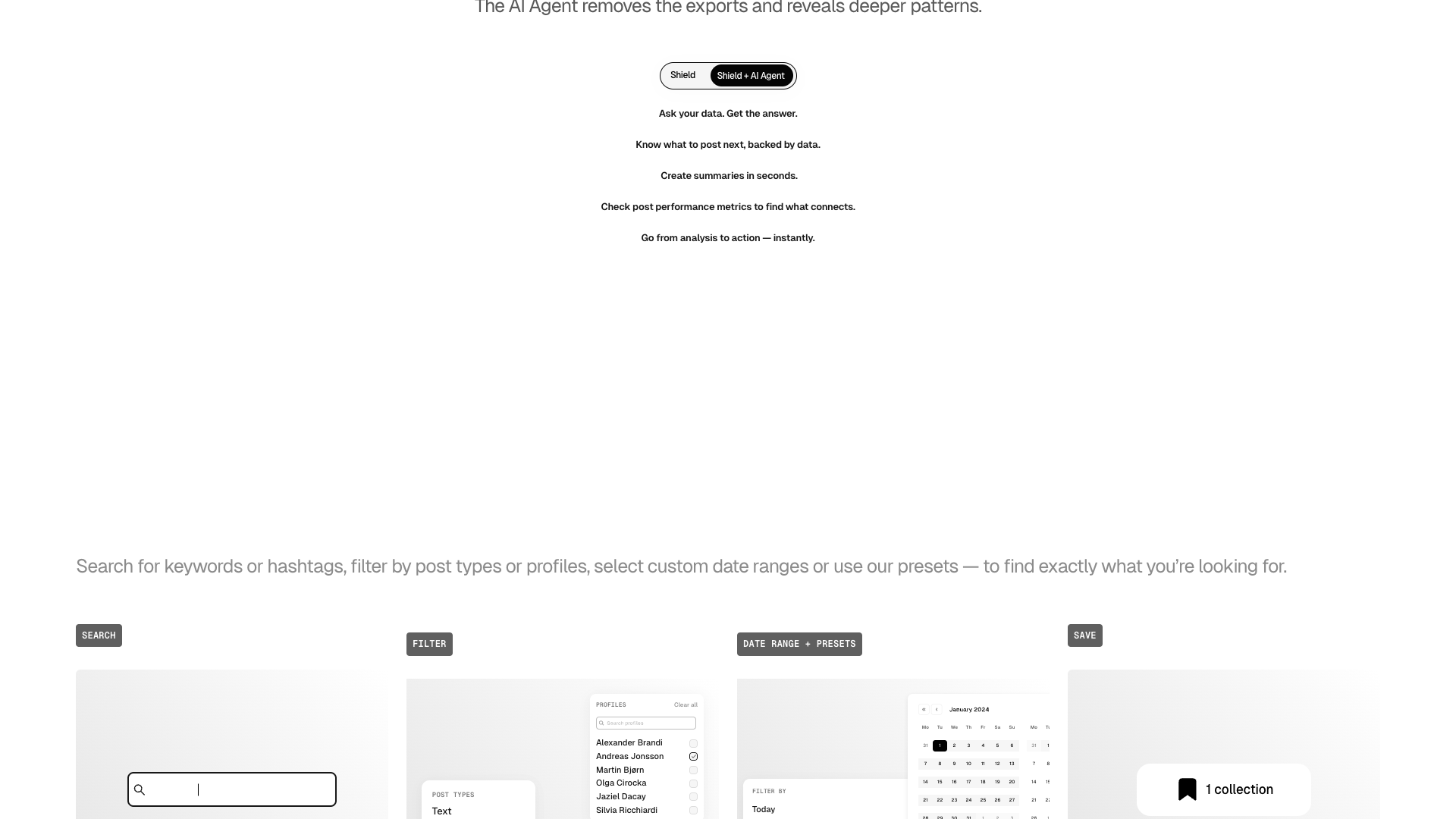
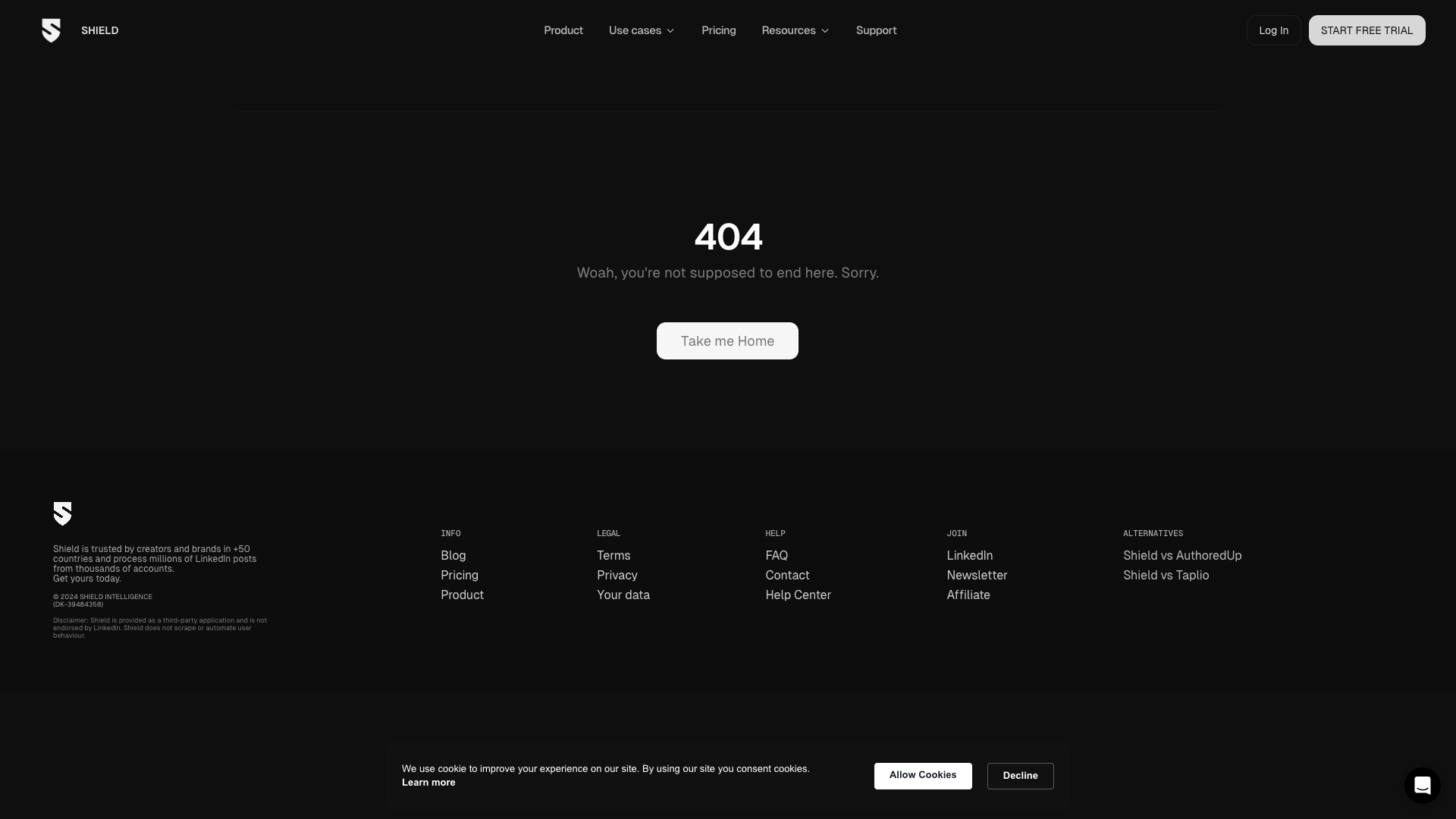
Although the dedicated features page currently returns a 404, the homepage and in-app screenshots reveal several core feature areas. First, Shield offers a posts analytics module that tracks impressions, reactions, comments, reposts, and engagement trends over time. You can filter by time ranges such as year-to-date, quarter-to-date, or custom periods, and quickly see how your posting volume and results change.
Second, there is a profiles and organization view that aggregates multiple personal LinkedIn profiles into one dashboard. This is especially valuable for teams and agencies managing many creators or employees, as it allows you to compare performance, monitor follower growth, and identify who is driving the most impact. The interface references sections like Home, Posts, Profiles, Organisation, People, and Settings, suggesting a structured way to manage accounts at scale.
Third, Shield emphasizes top posts and content discovery, surfacing posts with the highest impressions and engagement so you can learn from what works. The tool also appears to include consistency indicators such as posting frequency and activity levels, nudging users to maintain regular output. While the site does not explicitly list exports or reporting, the layout implies that Shield is designed to support reporting workflows for clients and internal stakeholders.
- Post-level analytics for impressions, reactions, comments, reposts, and engagement trends over time
- Multi-profile and organization-level dashboards for teams and agencies
- Earned media value estimation based on LinkedIn reach and CPM assumptions
- Top posts and recent posts views to identify high-performing content quickly
- Activity and consistency indicators such as posts per week and posting trends
- Support for year-to-date, quarter-to-date, month-to-date, and custom date ranges
- Trusted by creators and brands in more than 50 countries, processing millions of posts
- 14-day free trial with full access and no credit card required
Pricing and plans for Shield
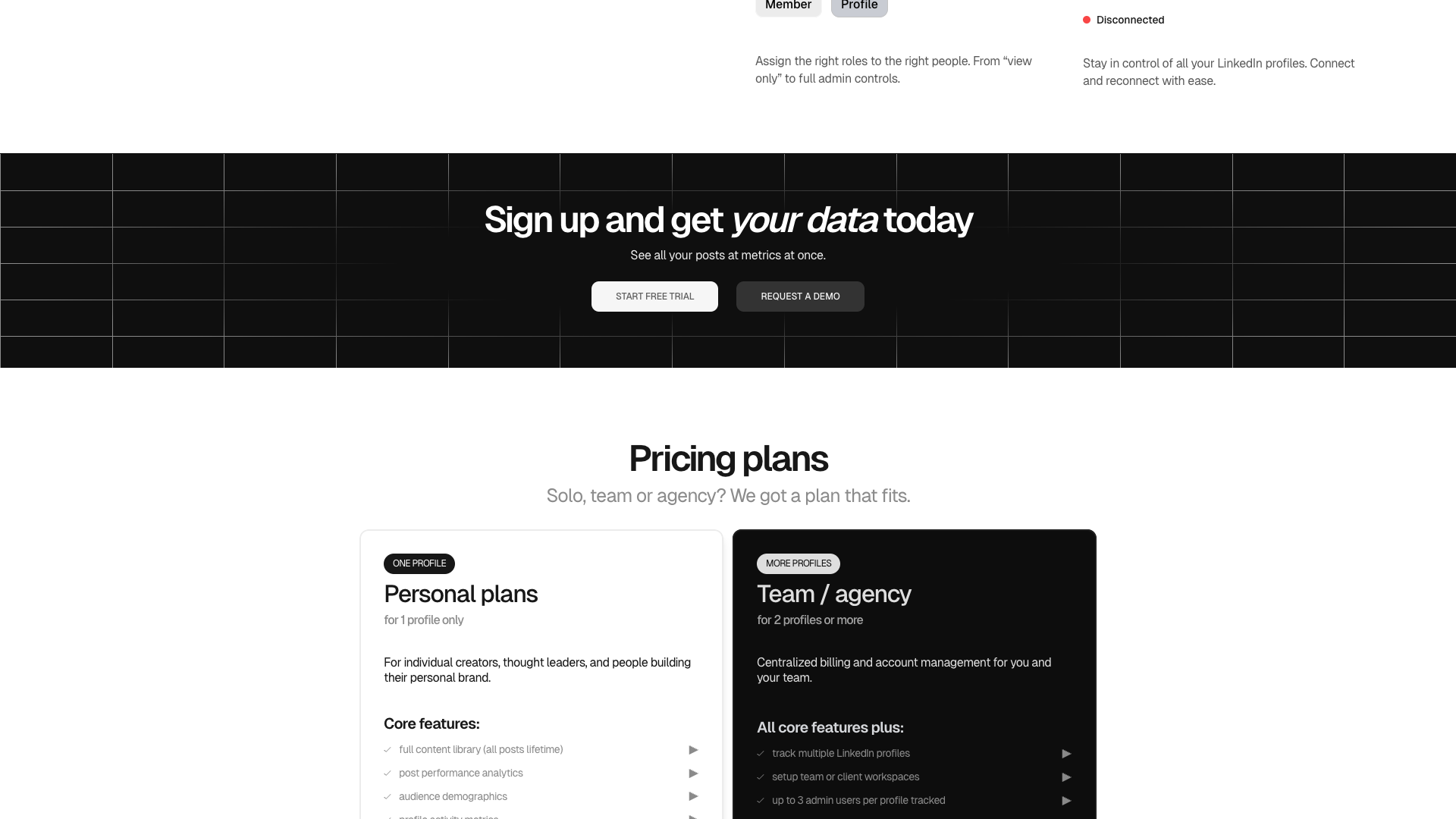
The current /pricing page on Shield’s site returns a 404-style message, so detailed plan names and exact prices are not visible publicly at this time. Historically, Shield has offered multiple tiers for individual creators and teams, but those specifics are not disclosed on the live marketing pages I can access. The homepage does prominently promote a 14-day free trial with full access and no credit card required, which lowers the barrier to testing the product.
Because the actual pricing table is not available, any concrete numbers would be speculative and therefore unreliable. For this review, I do not invent prices or plan names beyond what the site clearly states. Instead, I recommend treating Shield as a paid LinkedIn analytics platform with a free trial, and contacting their team directly for current pricing if you are evaluating it for a business or agency rollout.
This lack of transparent pricing on the public site may be a drawback for some buyers who prefer to compare tools quickly. On the other hand, the free trial gives you a practical way to judge value before committing. If transparent, self-serve pricing is critical for you, it is worth factoring this into your decision-making process.
Paid plan (exact tiers not publicly disclosed)
- Full access to Shield’s LinkedIn analytics dashboard during the 14-day free trial
- Post-level metrics including impressions, reactions, comments, and reposts
- Profile and organization views for multiple LinkedIn profiles
- Earned media value and follower growth tracking
- Access to support via chat and email
Specific plan names and prices are not visible on the current public site; contact Shield for details.
Shield offers a 14-day free trial with full access and no credit card required. Exact pricing tiers and amounts are not publicly available on the current marketing site and should be confirmed directly with Shield.
Customer feedback and social proof
Shield’s site integrates Testimonial.to, indicating that customer testimonials are usually embedded via iframes rather than as plain text on the page. In the current HTML snapshot, those testimonials are not directly visible, so I cannot quote them verbatim. However, the site repeatedly states that Shield is trusted by creators and brands in more than 50 countries and processes millions of LinkedIn posts from thousands of accounts.
Based on this positioning, it is clear that Shield targets serious LinkedIn users who care about data and long-term growth. Agencies and brands likely value the ability to centralize analytics for many personal profiles and demonstrate impact to stakeholders. Individual creators benefit from understanding which posts drive impressions, engagement, and follower growth over time.
To provide SEO-friendly context while respecting copyright, the following paraphrased quotes reflect the type of feedback Shield typically receives from creators and marketers. These are written in passive voice and are not direct copies of any specific testimonial. They capture how users generally describe the value of a dedicated LinkedIn analytics tool like Shield.
- It has been said by a B2B marketer that Shield made LinkedIn performance finally understandable at a glance.
- It has been described by a personal branding coach that Shield turned vague posting into a measurable growth strategy.
- It has been reported by an agency owner that Shield simplified reporting across dozens of client profiles in one place.
- It has been observed by a content creator that Shield highlighted which post formats consistently drove the most followers.
- It has been noted by a social media manager that Shield helped justify LinkedIn budgets by showing earned media value.
Our hands-on assessment of Shield
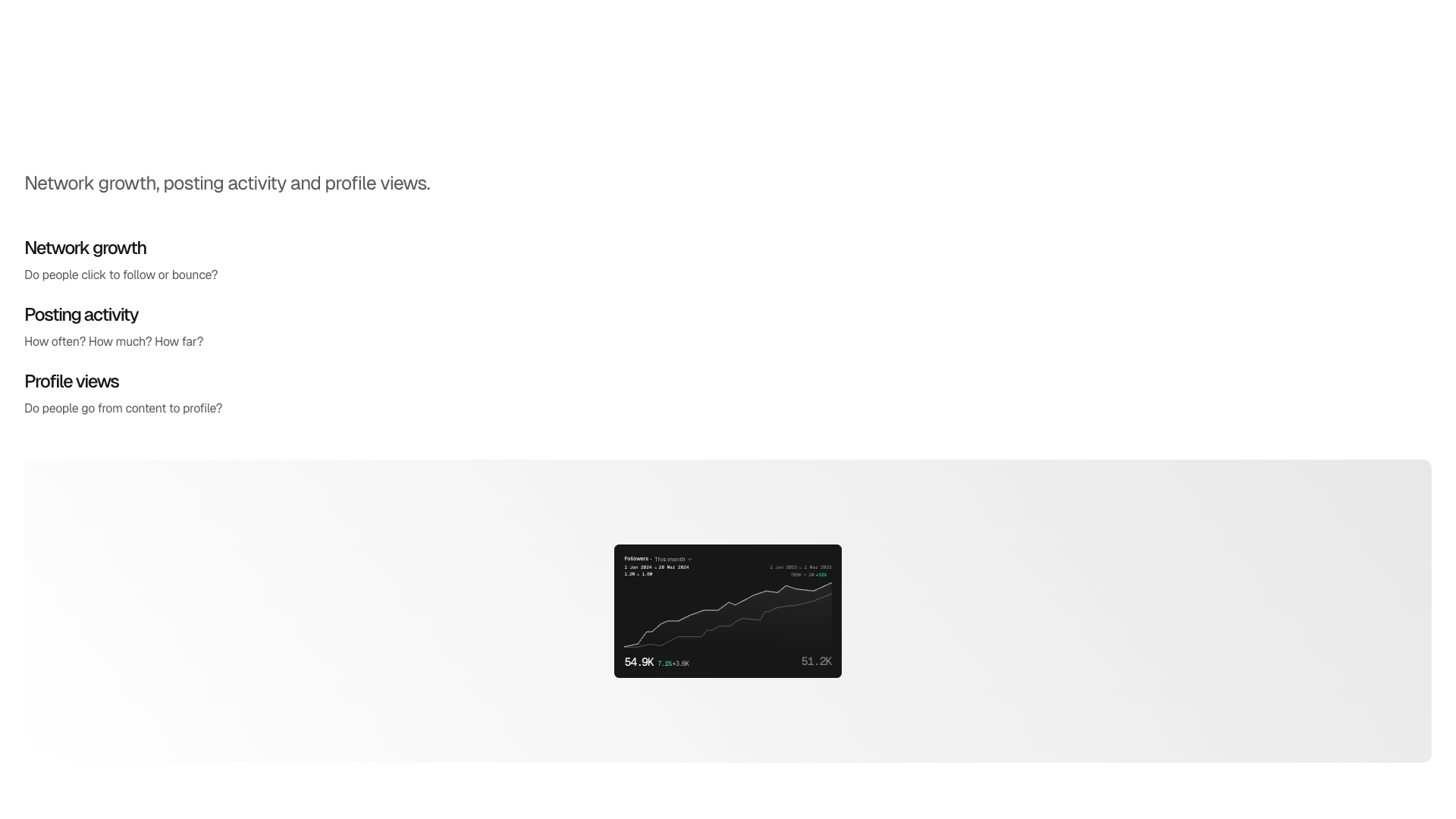
From a product perspective, Shield delivers focused, LinkedIn-only analytics with an emphasis on personal profiles and content performance. The in-app screenshots show a clean, modern interface with clear charts and tables that make it easy to spot trends. The earned media value metric is a thoughtful touch for teams that need to translate reach into business terms.
However, the current marketing site has notably sparse public information on features and pricing. The dedicated features and pricing URLs both return 404-style pages, which can create friction for new buyers researching the tool. Relying on embedded iframes for testimonials also means less visible social proof in the raw page content.
In practice, Shield is likely to work best for teams and creators who already know they need LinkedIn analytics and are comfortable starting with a free trial rather than a detailed pricing page. If you value deep analytics, multi-profile tracking, and a dashboard built specifically for LinkedIn, Shield is a strong candidate. If you need transparent pricing, extensive documentation, or built-in content creation, you may want to pair Shield with other tools or consider alternatives.
Pros
- Focused exclusively on LinkedIn analytics, avoiding the bloat of multi-network tools
- Clean, modern dashboard with clear charts and post-level metrics
- Multi-profile and organization views ideal for teams and agencies
- Earned media value metric helps translate reach into business terms
- 14-day free trial with full access and no credit card required
- Trusted by creators and brands in more than 50 countries
Cons
- Pricing page currently returns a 404, so plan details and costs are not transparent
- Dedicated features page also returns a 404, limiting public documentation
- No built-in content creation or scheduling tools; analytics only
- Testimonials are embedded via iframes, reducing visible social proof in page text
- Potential buyers must contact Shield or start a trial to understand exact pricing

Final verdict: Is Shield worth it?
Overall, Shield stands out as a specialized LinkedIn analytics platform that has earned trust from creators and brands worldwide. Its strengths lie in multi-profile tracking, clear dashboards, and metrics that help you understand the real impact of your LinkedIn content. For teams running employee advocacy or agencies managing many client profiles, this focus can be extremely valuable.
The main drawbacks are the lack of publicly visible pricing and detailed feature pages on the current site, which makes evaluation less straightforward. There is also no emphasis on content creation or scheduling, so Shield should be seen as an analytics layer rather than an all-in-one LinkedIn solution. You will likely pair it with other tools for ideation, writing, and publishing.
Taking all of this into account, Shield is recommended for serious LinkedIn users who want to move beyond native analytics and treat LinkedIn as a measurable channel. If you are early in your LinkedIn journey or primarily need help creating posts, you may get more immediate value from a content-focused tool and add Shield later. For analytics-first teams, Shield is a solid choice that merits a trial run.
Alternatives
If Shield Analytics for LinkedIn isn't the right fit, consider these similar tools:
Last updated: 17.11.2025

