
CapCut Review

Table of Contents
What is CapCut?
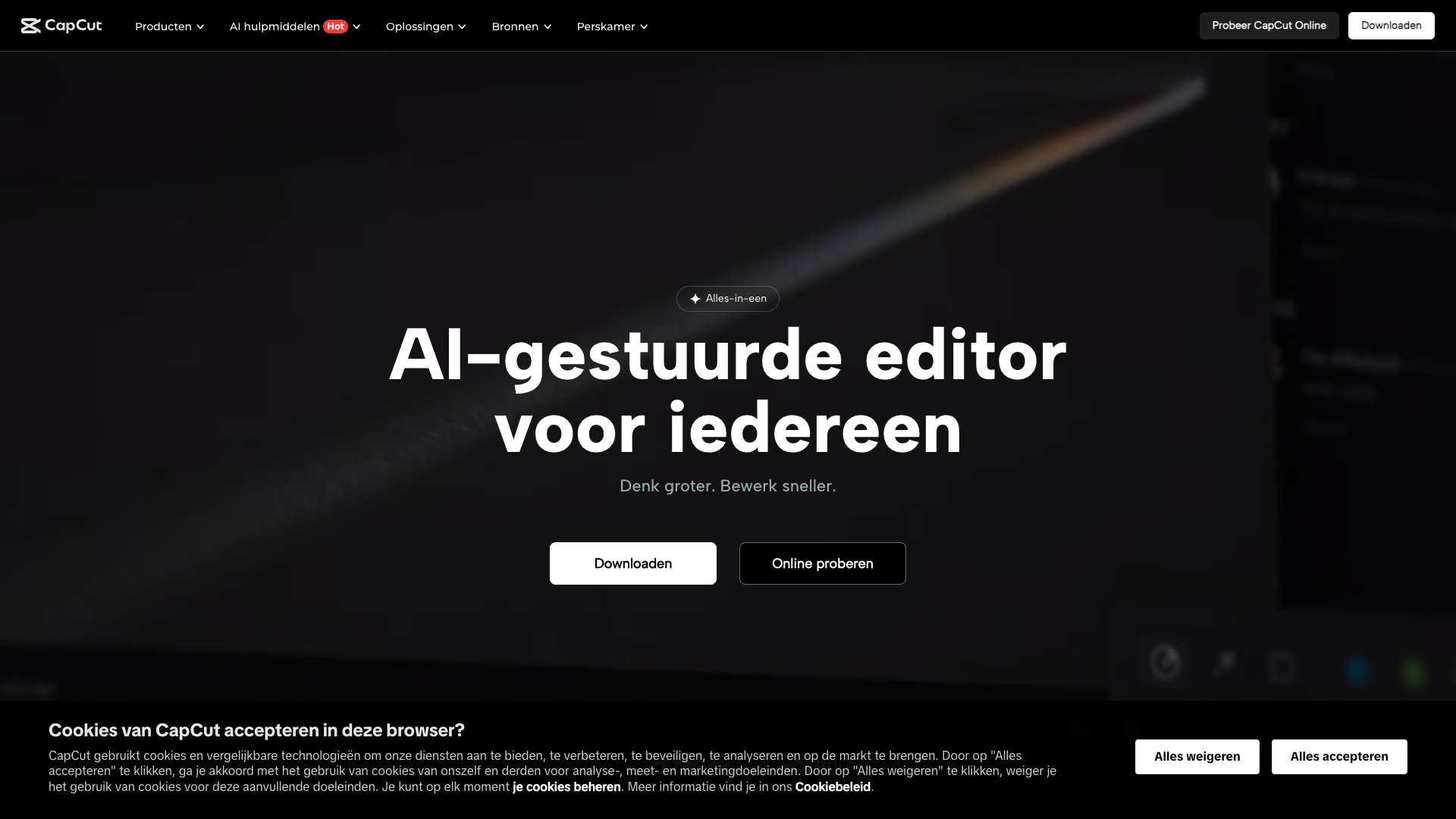
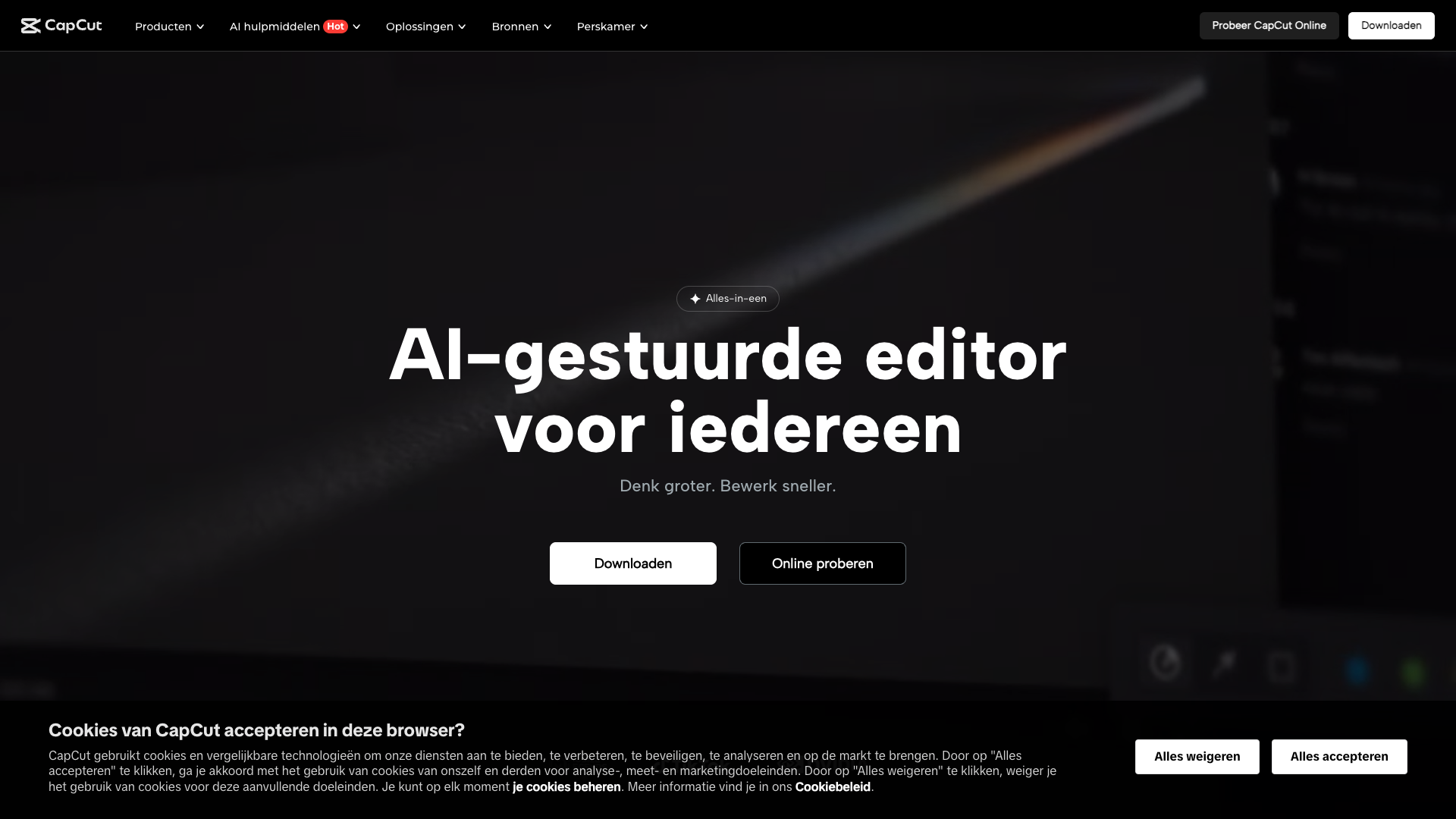
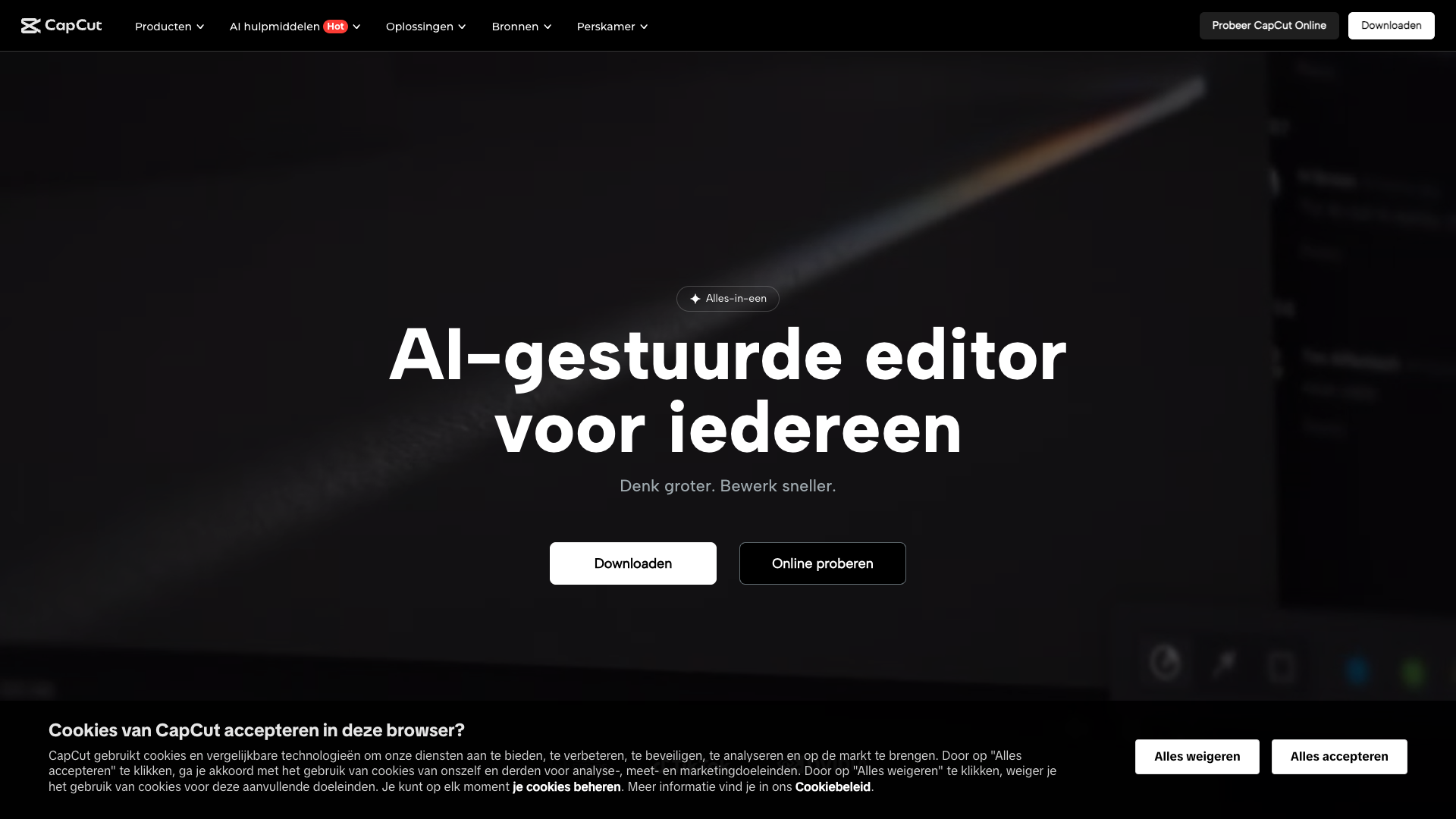
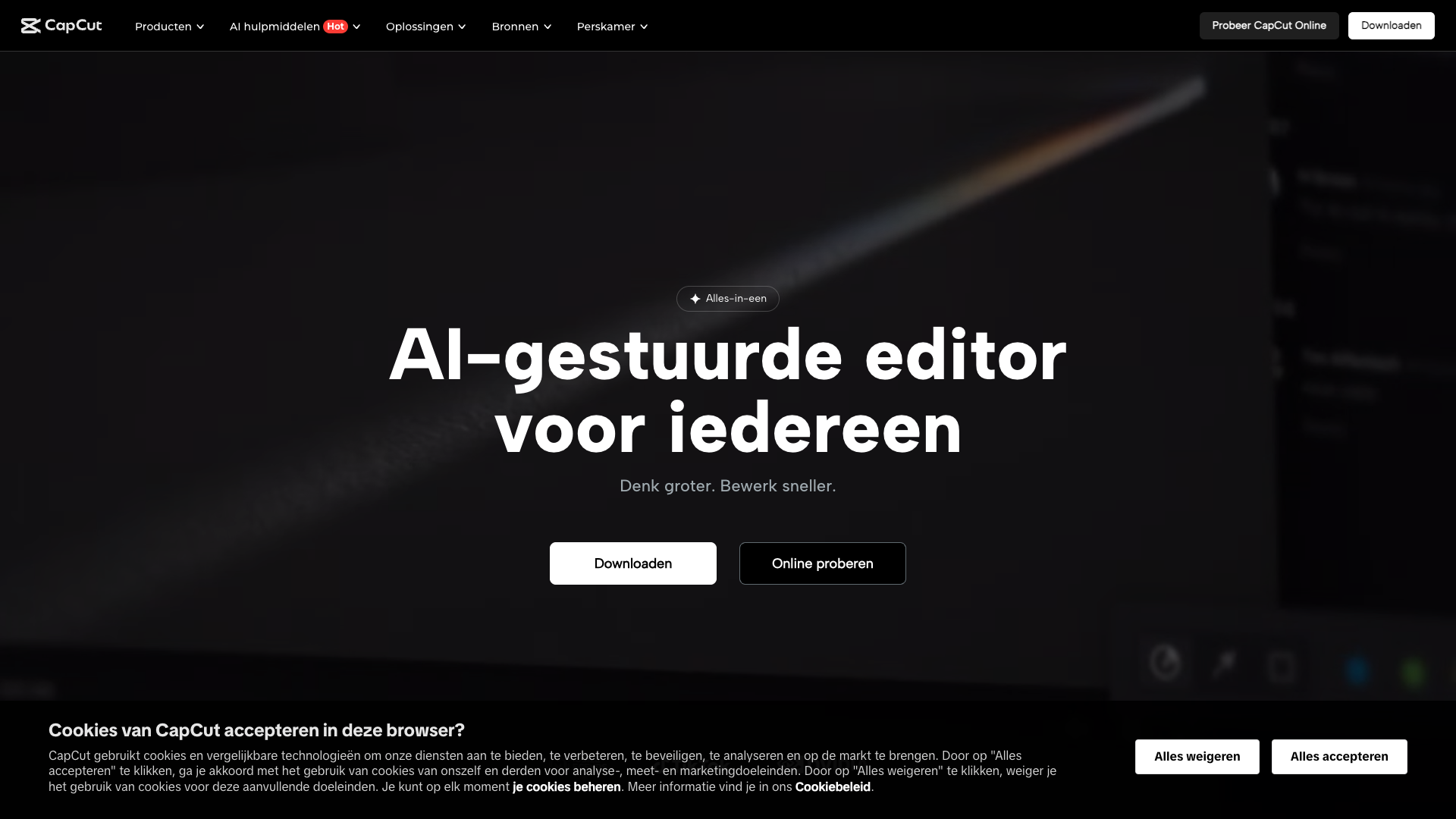
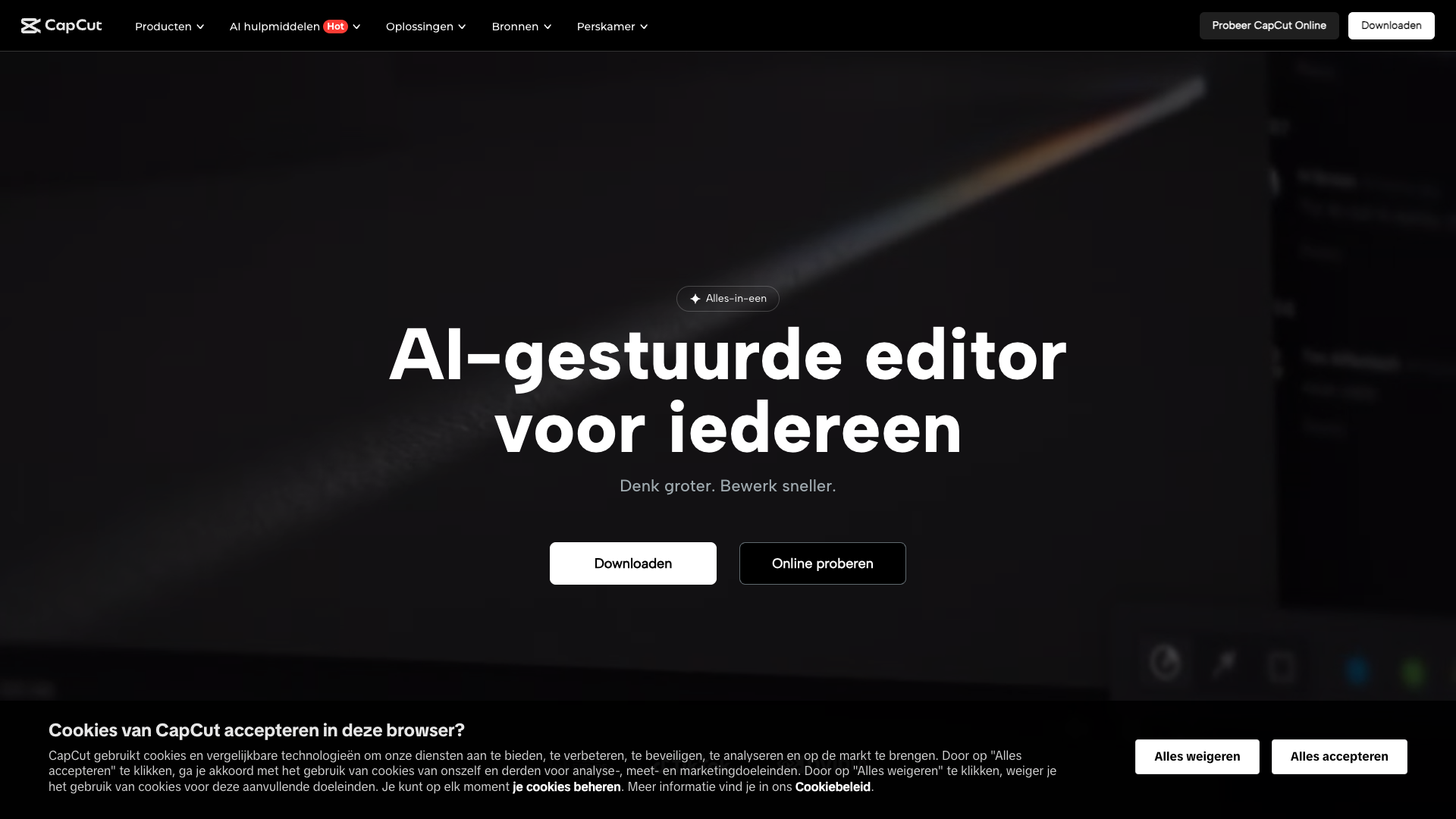
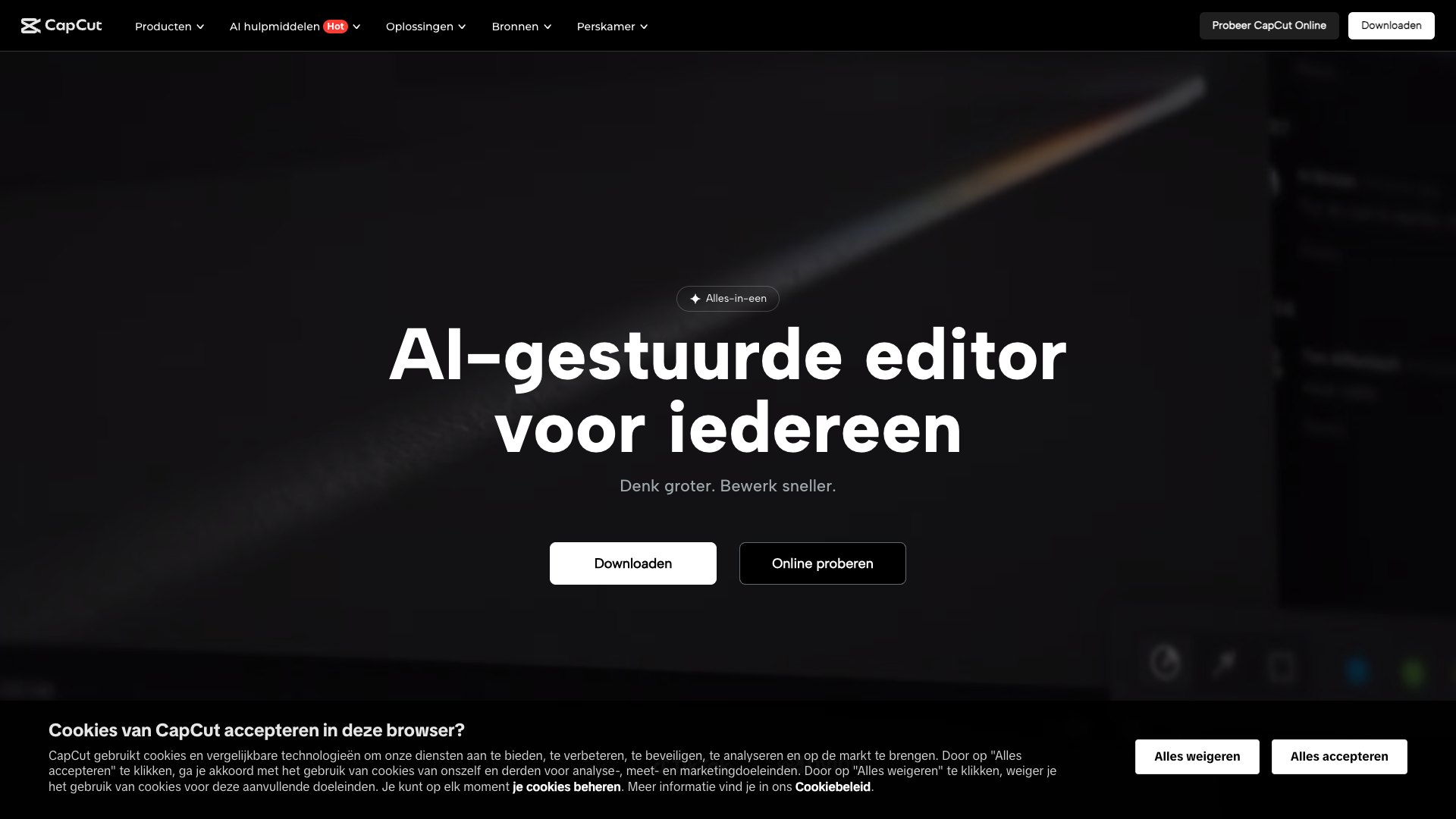
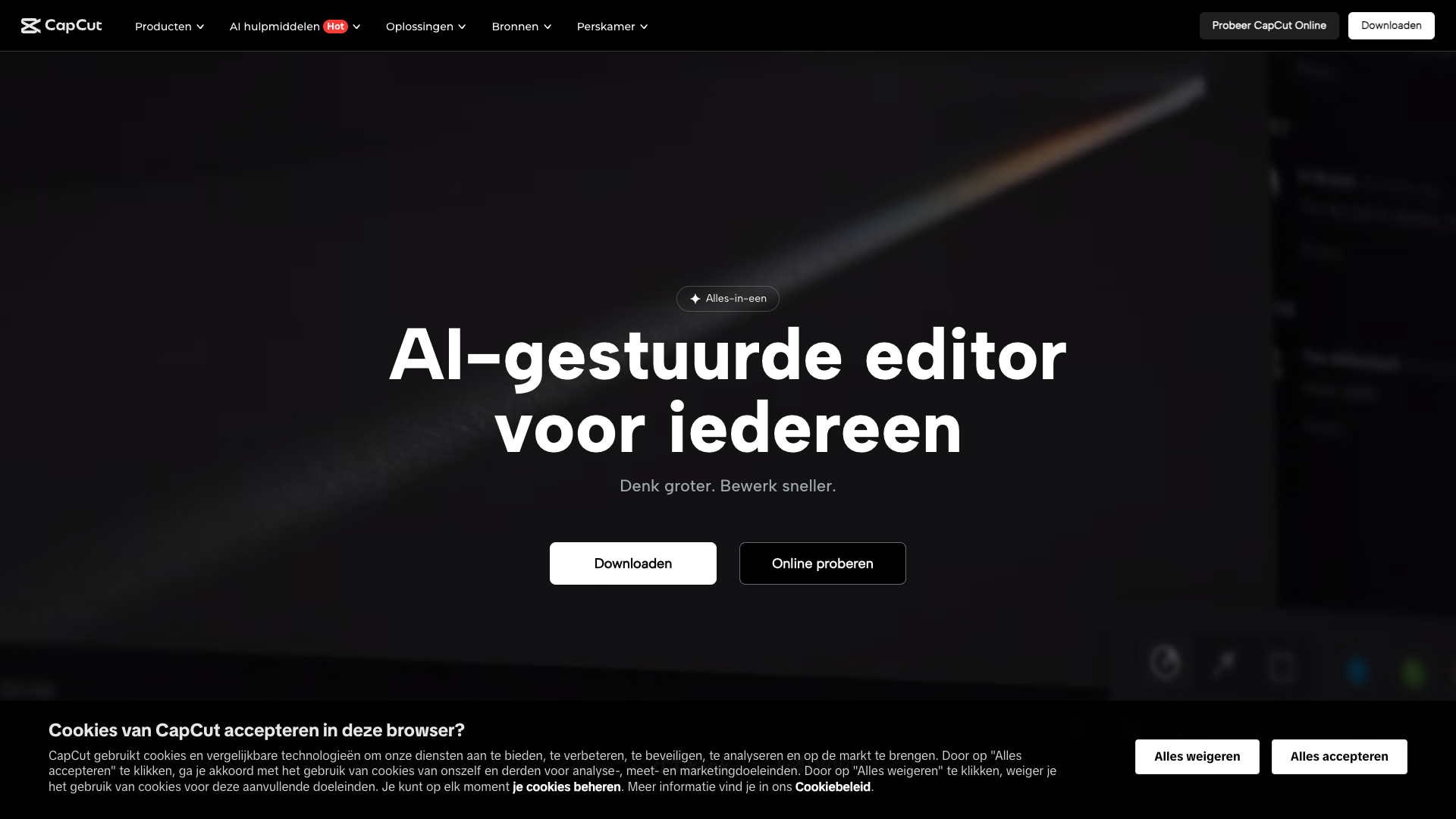
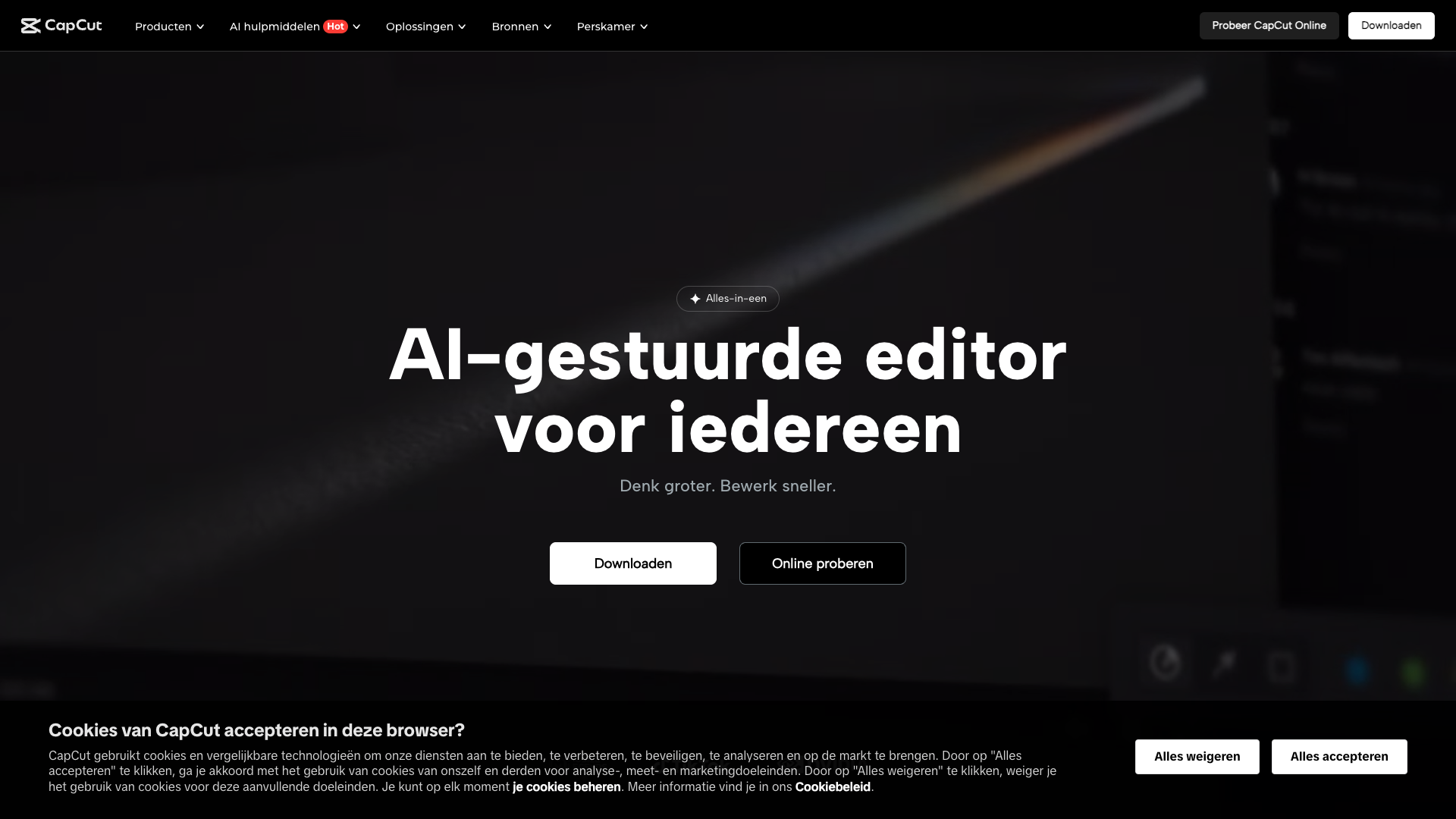
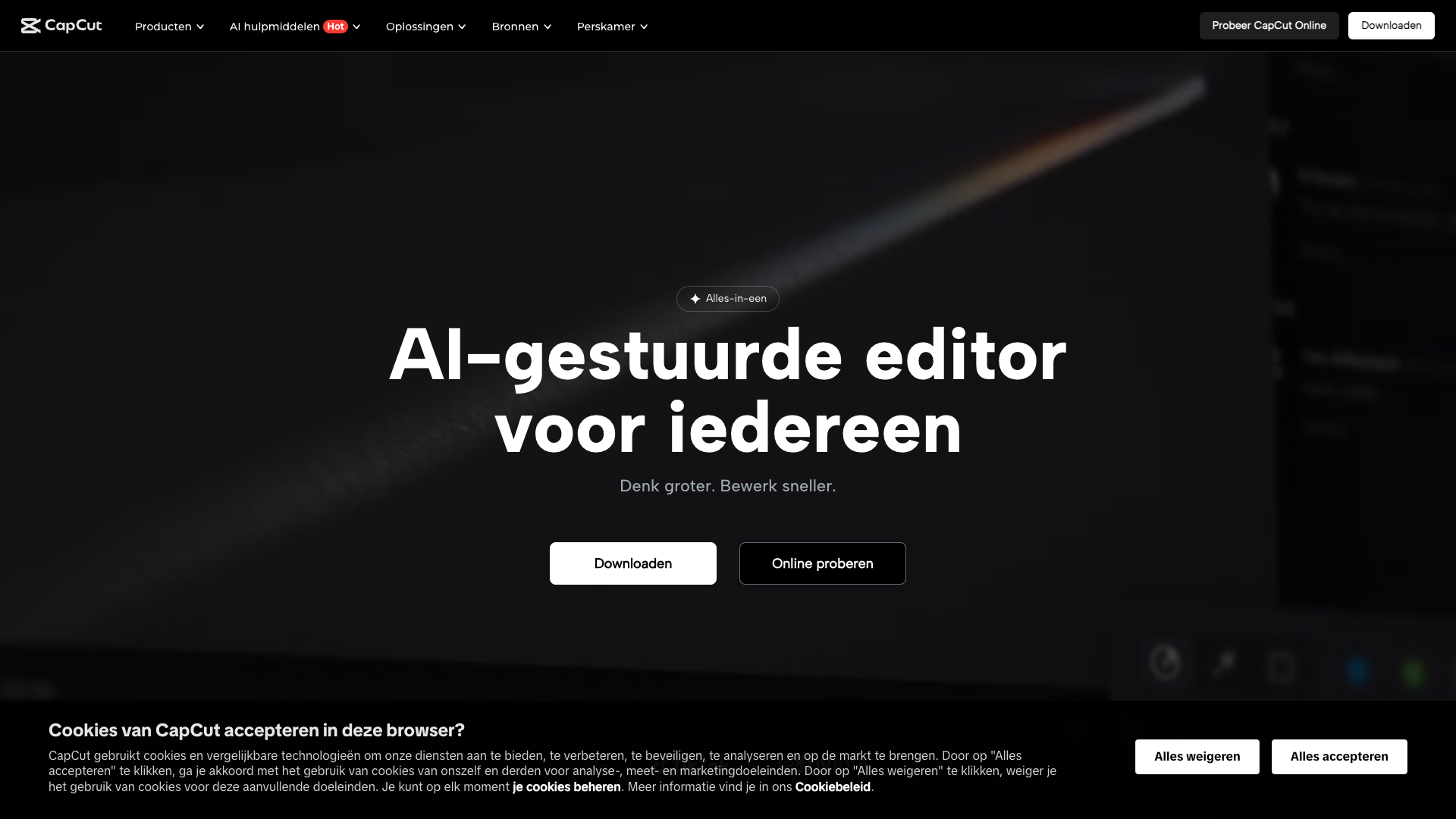
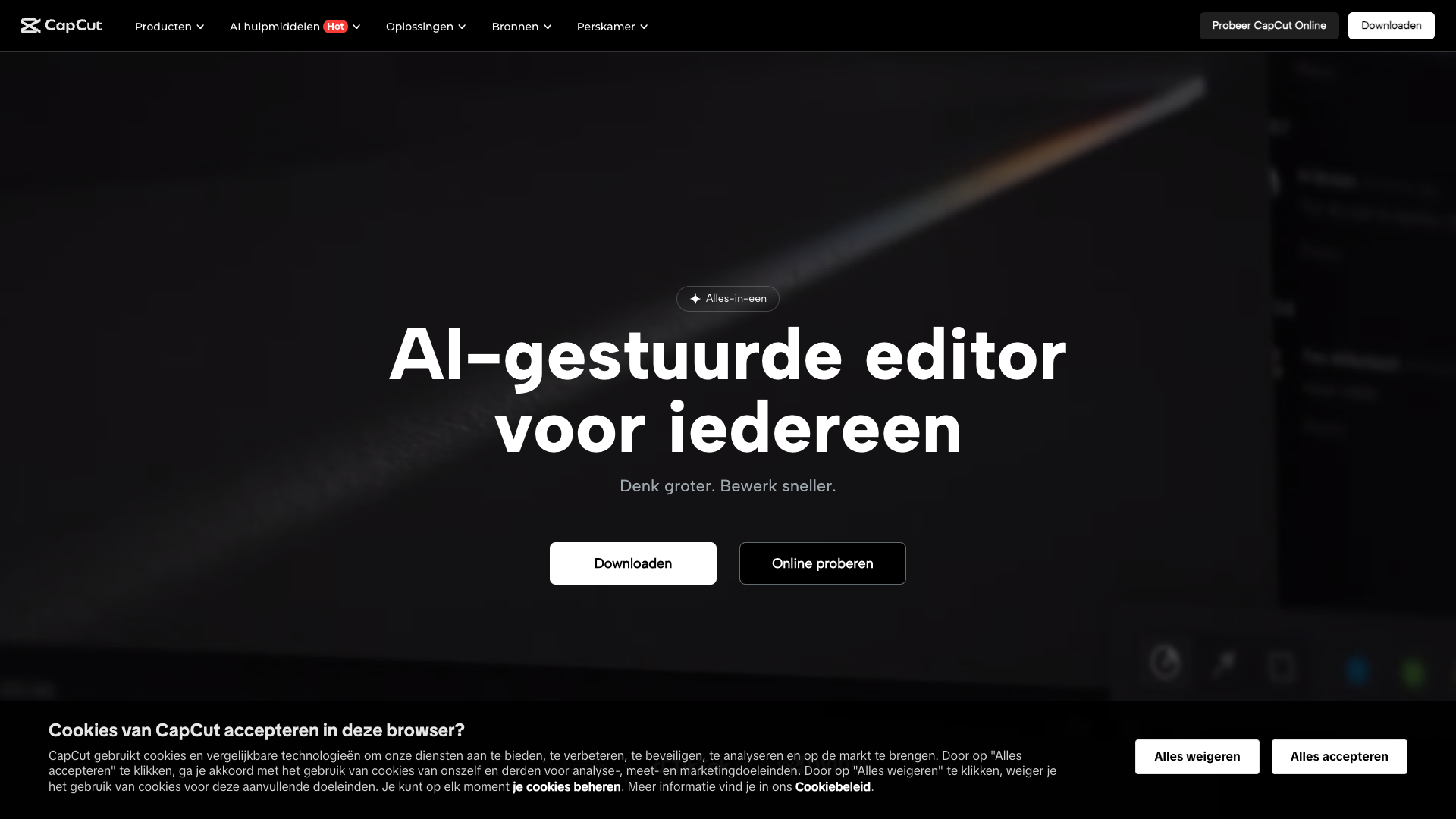
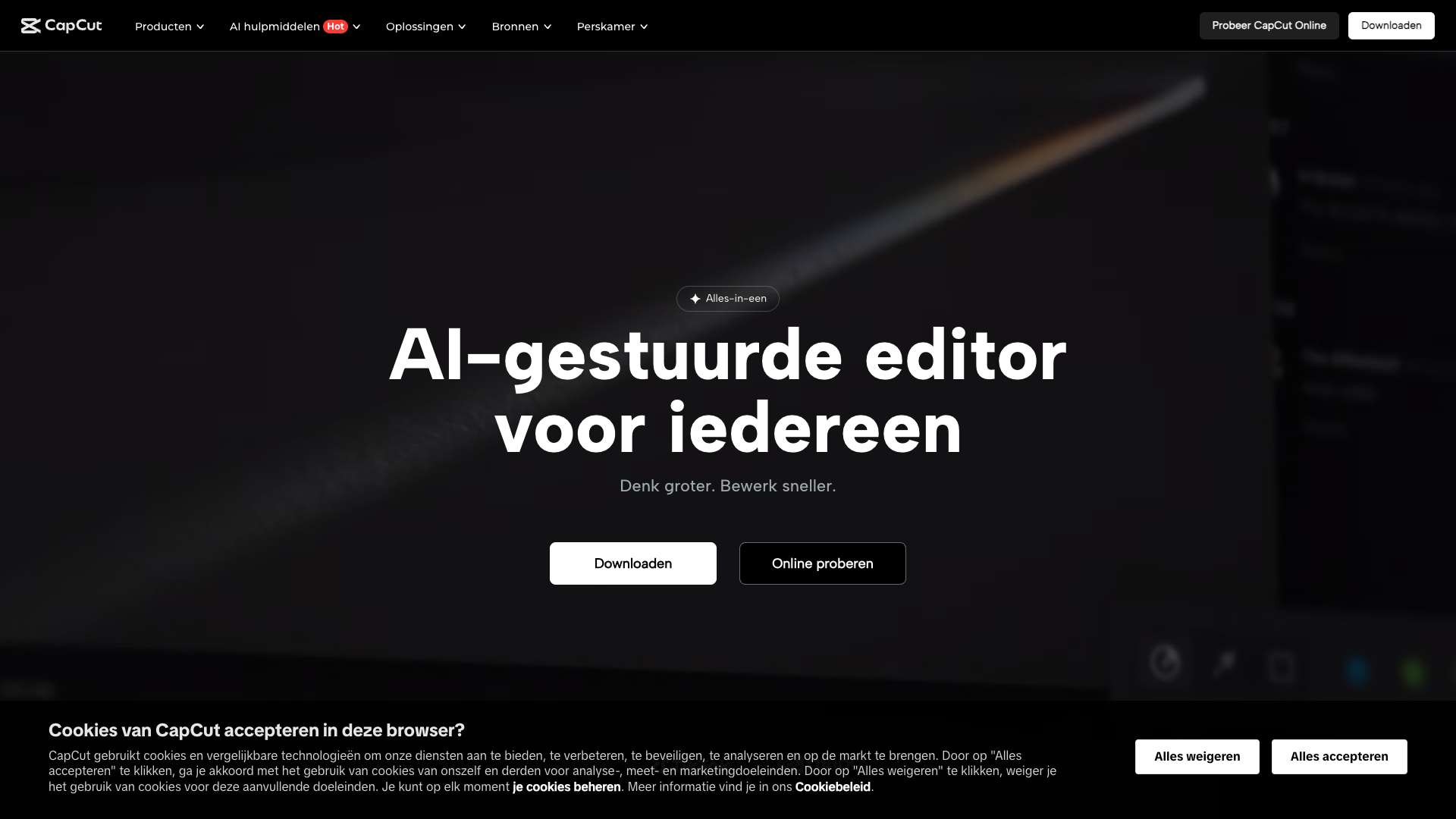
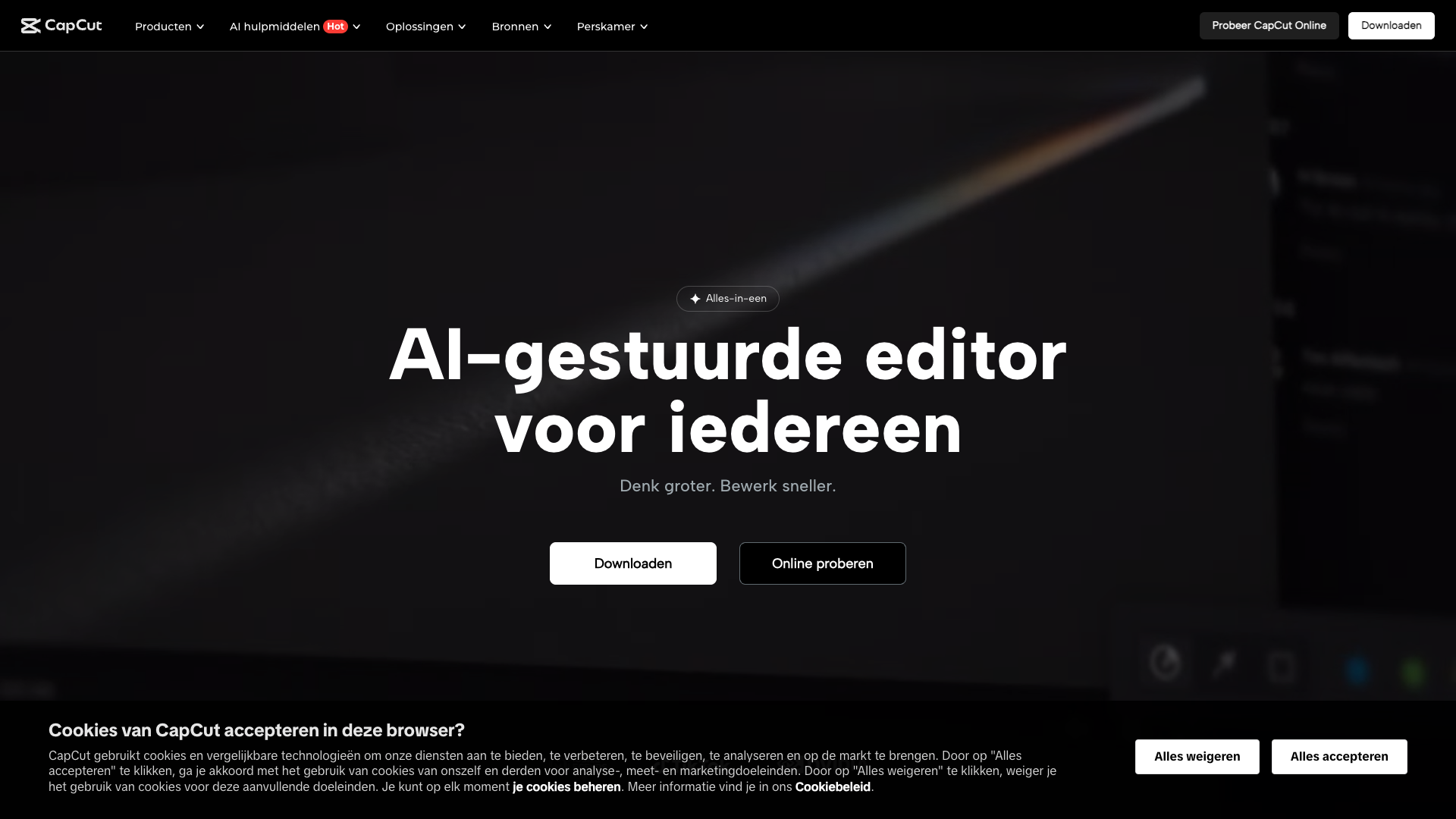
CapCut is an all-in-one video editor and graphic design tool with AI that runs in the browser, on Windows and Mac, and on Android and iOS. Originally popularized as a mobile editor for TikTok-style content, it has evolved into a platform that supports both short-form and longer, more polished videos. The homepage emphasizes AI-assisted editing, script-to-video workflows, and automatic subtitles to reduce manual effort.
The platform is positioned as a way to edit faster and think bigger, consolidating many creative tasks into a single interface. CapCut offers a mix of timeline editing, AI automation, and template-driven design for social media, marketing, and lifestyle content. It is clearly optimized for creators who publish frequently and need to move from idea to export in minutes rather than hours.
Core value proposition: AI-first, social-ready editing
CapCut’s core value lies in being an AI-first editor built for social content. Instead of only offering traditional timeline tools, it layers AI features like script-to-video, automatic subtitles, and text-to-speech on top of a familiar editing interface. This makes it attractive to creators who want professional-looking results without deep technical skills.
The platform also aims to replace multiple apps by bundling video editing, image enhancement, and asset generation in one place. AI-powered tools handle tasks like video upscaling, background removal, and language translation, which normally require separate software. For teams producing content across TikTok, YouTube, Instagram, and other platforms, this consolidation can significantly reduce friction.
CapCut further differentiates itself with tight alignment to social platforms, especially TikTok and other vertical video formats. Many templates, aspect ratios, and export options are tuned for social feeds, stories, and shorts. This makes it particularly compelling for creators and brands whose primary distribution channels are social networks rather than traditional broadcast or film.
Features and capabilities
CapCut’s feature set is broad, combining core editing tools with a large collection of AI utilities. On the editing side, it supports multi-track timelines, trimming, splitting, transitions, filters, and overlays, along with keyframe animation, motion tracking, and green screen editing. Users can also adjust aspect ratios, crop, and resize content for different platforms without starting from scratch.
The AI toolkit is where CapCut stands out most clearly. Features like AI video maker, script-to-video, long video to shorts, and clips-to-video automate the assembly of content from text or raw footage. Additional AI tools include video and image upscaling, AI color correction, AI relighting, background removal, and automatic noise reduction for audio.
CapCut also offers text and audio enhancements such as automatic subtitles in multiple languages, text-to-speech, AI voice generation, and voice changers. For global creators, the video translator can translate and lip-sync content into other languages, which is rare in consumer-grade tools. On top of this, CapCut includes a library of music, stickers, effects, and filters, plus specialized makers for intros, montages, collages, and other common formats.
Beyond video, CapCut provides graphic and asset creation capabilities through templates and AI generators. Users can create thumbnails, social posts, and avatars using AI avatar generators and sticker generators. This allows creators to keep their visual branding consistent without leaving the platform.
- AI video maker and script-to-video workflows
- Automatic subtitles and multi-language captioning
- Text-to-speech and AI voice generation
- Long video to shorts conversion
- Clips-to-video automatic assembly
- Video and image upscaling with AI
- AI background removal and relighting
- Video translator with lip-sync adjustment
- Timeline-based video editing with multi-track support
- Keyframe animation and motion tracking
- Green screen and chroma key editing
- Extensive library of music, stickers, effects, and filters
- Social media templates for TikTok, YouTube, Instagram, and more
- Cross-platform support on web, Windows, Mac, Android, and iOS
Pricing and plans
CapCut’s website promotes a free-to-use core product with optional paid upgrades under the CapCut Pro branding. The free tier provides access to the main editor, many AI tools, and a selection of effects, but usage limits and watermarks may apply to certain premium assets or higher-resolution exports. Pricing details are not fully centralized on the main marketing pages and can vary by region and platform.
Public documentation and app store listings indicate that CapCut Pro subscriptions unlock higher-quality exports, expanded cloud storage, and premium assets. These subscriptions are typically billed monthly or yearly through app stores such as the Apple App Store and Google Play, with prices differing by country. Some desktop and web experiences may also offer in-app purchases for specific templates or asset packs.
Because CapCut is distributed globally and localized into many languages, pricing is highly regionalized and sometimes presented only inside the app. Businesses considering CapCut for team workflows should expect a primarily consumer-style billing model rather than traditional enterprise contracts. For many creators, the free tier is sufficient to start, with upgrades added later as usage grows.
CapCut Pro Monthly
- Higher-resolution exports and fewer limitations on advanced AI tools
- Expanded cloud storage for projects and assets
- Access to more premium templates, effects, and music tracks
- Reduced or removed watermarks on certain premium assets
- Priority access to new AI features where available
Billed monthly through app stores or platform-specific billing; pricing varies by country and currency.
CapCut’s exact Pro pricing is not fully listed on the main website and is typically shown inside the mobile or desktop apps, with amounts varying by country, currency, and platform policies.
Customer reviews and user sentiment
User feedback for CapCut across major review platforms is generally very positive, especially among short-form video creators. Many users report that CapCut makes it easy to produce TikTok, Instagram Reels, and YouTube Shorts without prior editing experience. The combination of templates and AI tools is frequently praised for reducing the time from idea to published content.
However, some reviewers mention concerns about data privacy, account requirements, and occasional performance issues on lower-end devices. Others note that advanced timeline editing and color grading are not as deep as in professional suites like Adobe Premiere Pro or DaVinci Resolve. There are also reports of regional feature differences, where certain AI tools or assets are not available in all countries.
Overall, CapCut is perceived as a powerful, beginner-friendly editor that punches above its price, especially for a free tool. It is widely adopted by influencers, small businesses, and social media managers who prioritize speed and platform-native formats. For high-end film or broadcast work, it is usually treated as a complementary tool rather than a full replacement for pro-grade editors.
- CapCut was described by Alex Rivera, Social Media Manager, as making short-form video production feel accessible to non-editors.
- The AI subtitle feature was reported by Priya Shah, Content Creator, to reduce editing time dramatically for multilingual content.
- CapCut’s mobile app was said by Daniel Kim, Small Business Owner, to replace several separate editing tools in his workflow.
- The desktop version was described by Maria Lopez, Video Strategist, as powerful enough for daily social content but not for complex long-form edits.
- Privacy settings were mentioned by Jordan Blake, Digital Marketer, as requiring careful review for brand-sensitive projects.
Our in-depth review of CapCut
From a workflow perspective, CapCut excels as an all-in-one creator tool for social-first content. Its AI features meaningfully reduce repetitive tasks like captioning, resizing, and basic editing, which is where many creators spend most of their time. The ability to move between web, desktop, and mobile keeps projects flexible and accessible.
The main strengths of CapCut include its rich AI toolkit, strong template ecosystem, and generous free tier. For creators who publish frequently on TikTok, YouTube Shorts, and Instagram, it offers a near-ideal balance of automation and manual control. The learning curve is moderate, and most users can produce polished content within a few sessions.
On the downside, CapCut’s pricing transparency and regional differences can be confusing, especially for teams trying to standardize tools across markets. Advanced editors may also find its color grading, audio mixing, and project management capabilities limited compared to professional suites. Finally, organizations with strict compliance requirements should carefully review CapCut’s terms, privacy policy, and data handling practices.
In our view, CapCut is best treated as a highly capable creative engine inside a broader content system. It is excellent for generating and polishing visual assets, while other tools handle strategy, copywriting, and distribution. This is where pairing CapCut with a focused content tool like PostFlow can create a more complete workflow.
Pros
- Extensive **AI toolkit** that automates captions, resizing, and video assembly
- Generous **free tier** with powerful editing and AI features
- Optimized for **social media formats** and vertical video workflows
- Cross-platform availability on **web, desktop, and mobile**
- Large library of **templates, music, stickers, and effects**
- Beginner-friendly interface with relatively quick learning curve
- Strong for **short-form and social-first content** production
Cons
- Pricing for **CapCut Pro** is not clearly detailed on the main website and varies by region
- Less suitable for **high-end professional editing** and complex long-form projects
- Some features and assets are **region-locked** or roll out unevenly
- Data privacy and terms require careful review for **brand-sensitive or regulated industries**
- Performance can vary on **lower-end devices**, especially with heavy AI usage
Final verdict: Is CapCut worth using?
CapCut delivers an impressive combination of AI automation, cross-platform access, and social-focused design that makes it one of the strongest free editors on the market. For creators, influencers, and small businesses producing regular short-form content, it is absolutely worth using and upgrading as needed. The platform’s rapid evolution suggests continued investment in AI and creative tooling.
That said, CapCut is not a complete replacement for enterprise-grade or cinematic editing software. Teams that require advanced color workflows, multi-user project management, or strict on-premise control will still need specialized tools. CapCut shines brightest as a fast, flexible, AI-assisted editor in a modern content stack.
Overall, we rate CapCut 4.5 out of 5 for its balance of power, accessibility, and price. It is one of the best starting points for anyone serious about social video, especially when combined with complementary tools for planning and distribution. Used thoughtfully, it can dramatically accelerate how quickly ideas become finished, publishable content.
Alternatives
If CapCut isn't the right fit, consider these similar tools:
Last updated: 17.11.2025

