
Consistent posting on LinkedIn is the key to building authority and growing your network, but it's easier said than done. Juggling ideas, writing posts, and scheduling them at the right time can feel overwhelming, leading to sporadic efforts that fail to gain traction.
The secret weapon of successful creators and brands isn't more time or a bigger team; it's a smarter, more organized system. A well-structured content calendar transforms chaotic, last-minute posting into a predictable, growth-driving machine. It provides a clear roadmap, ensuring every piece of content aligns with your goals and consistently reaches your audience.
This guide provides practical content calendar examples tailored for different needs, from a simple weekly LinkedIn schedule for a busy founder to a comprehensive plan for a major campaign. We'll break down the strategy behind each one, showing you exactly how to implement them. To fully leverage your content calendar for LinkedIn, a comprehensive social media content strategy playbook is indispensable for defining your goals and execution. We will also highlight how a tool like PostFlow can streamline this entire process, turning simple voice notes into a fully scheduled, high-impact content plan that works for you.
1. The Weekly LinkedIn Content Calendar for Founders & Consultants
For busy founders, consultants, and coaches, planning content months in advance is often unrealistic. The Weekly LinkedIn Content Calendar is a high-impact, low-overhead solution designed for a 5-day posting schedule. It focuses on maintaining a consistent, authoritative presence without demanding hours of planning.
This approach works by assigning a specific theme or content pillar to each day of the work week. This structure removes the daily guesswork of "what should I post today?" and helps you build a predictable rhythm that your audience can look forward to. Among the many content calendar examples available, this one prioritizes agility and personal brand authenticity.
Example Weekly Cadence
Here’s a sample structure you can adapt:
- Monday (Mindset & Motivation): Start the week with a personal story or a lesson learned from a recent challenge. This humanizes your brand and builds connection.
- Tuesday (Tactical Tip): Share a specific, actionable piece of advice related to your expertise. This could be a quick tutorial, a framework, or a common mistake to avoid.
- Wednesday (Industry Insight): Comment on a recent trend, news article, or data point in your industry. This positions you as a knowledgeable thought leader.
- Thursday (Client Win/Case Study): Showcase a recent success story. Focus on the client’s transformation and the tangible results you helped them achieve.
- Friday (Engaging Question): End the week with a question to your audience. Ask for their opinions or experiences related to a topic you discussed during the week to spark conversation.
Why This Calendar Works
This model is effective because it balances different types of content: personal, educational, authoritative, and promotional. The variety keeps your feed interesting and provides multiple ways for your audience to connect with you. It’s a simple yet powerful framework for building a strong personal brand on LinkedIn.
PostFlow Quick Tip: Use PostFlow’s voice notes feature to capture your thoughts for each day’s theme while you’re on the go. You can record a quick story for Monday or a tactical tip for Tuesday and have it transcribed and ready to schedule in minutes.
2. The Social Media Content Calendar for a Multi-Platform Strategy
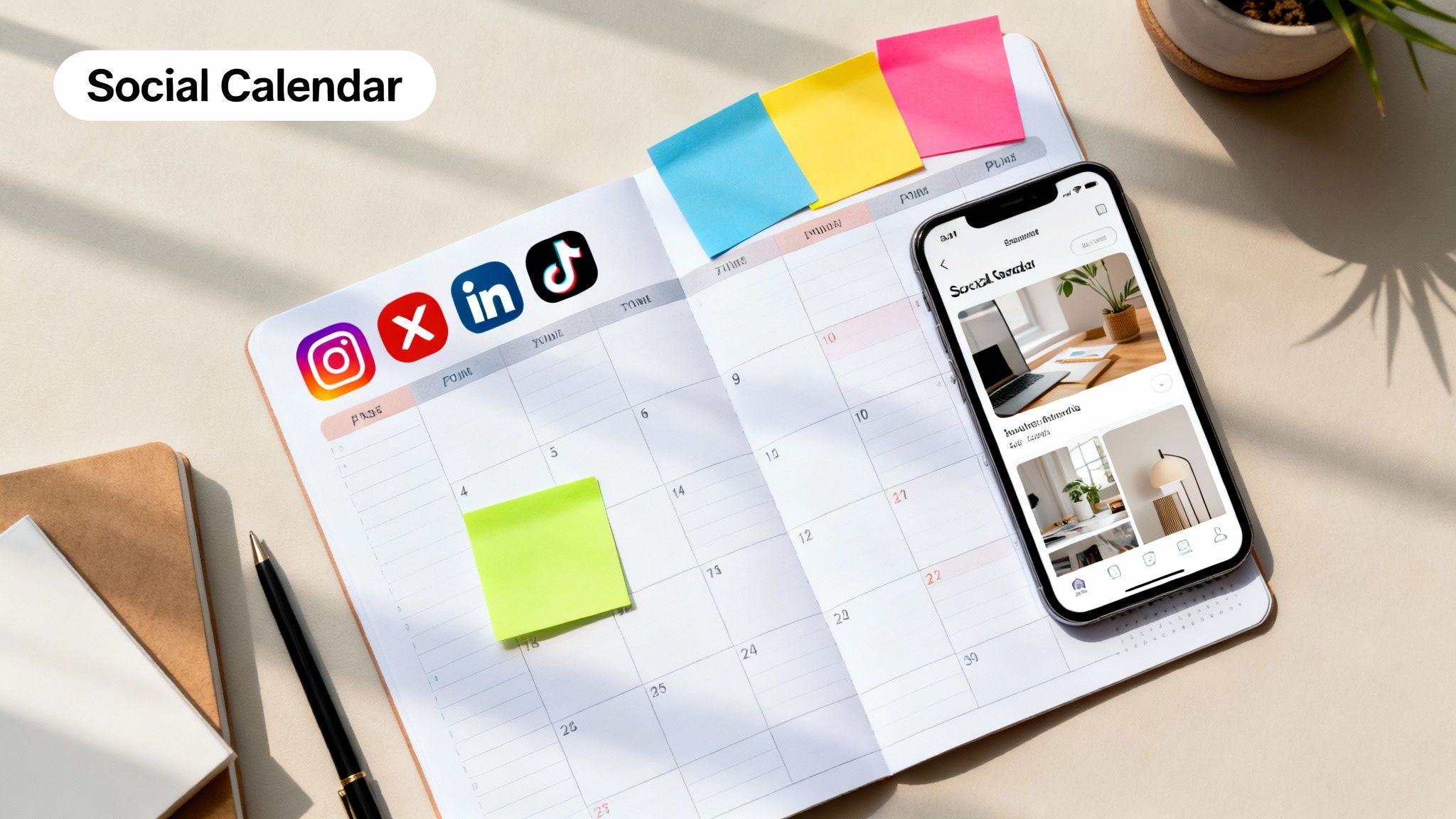
For brands and creators aiming to build a presence across multiple channels, a cohesive multi-platform strategy is essential. This type of calendar organizes content for platforms like Instagram, Twitter/X, LinkedIn, and TikTok, ensuring brand consistency while tailoring messages to each audience. It acts as a central command center for your entire social media ecosystem.
This approach involves planning content that is optimized for each platform's unique format, algorithm, and user expectations. Instead of just cross-posting the same message everywhere, this calendar helps you strategically adapt your core themes. Among the various content calendar examples, this one is crucial for teams needing a unified yet flexible plan to manage a complex digital footprint.
Example Weekly Cadence
Here’s how you could structure a single content theme across different platforms:
- Theme of the Week: "New Product Launch"
- LinkedIn: Post a detailed article about the market problem the new product solves, targeting industry professionals.
- Instagram: Share a high-quality Reel showcasing the product in action, along with polished carousel posts of its key features.
- Twitter/X: Run a poll asking followers what feature they're most excited about and share quick, engaging video clips.
- TikTok: Create a behind-the-scenes video of the team preparing the launch or a trending sound video featuring the product.
Why This Calendar Works
This model is effective because it maximizes reach and engagement by speaking the native language of each platform. It prevents audience fatigue by presenting the same core message in fresh, platform-appropriate ways. This approach ensures your brand voice remains consistent while your content strategy stays dynamic and optimized for performance. You can discover more about building your own in our guide to creating a social media content calendar.
PostFlow Quick Tip: Use PostFlow’s scheduling tool to plan and customize your posts for each platform from a single dashboard. You can tweak captions, hashtags, and media for LinkedIn, Instagram, and more, all in one place, saving you hours of manual work.
3. The Video Content Calendar for YouTube & Video Platforms
Unlike text-based content, video requires significant upfront planning for filming, editing, and optimization. A specialized Video Content Calendar is essential for managing this complex workflow, ensuring consistent publishing on platforms like YouTube, TikTok, and Vimeo. It moves beyond just a schedule, incorporating production timelines, SEO elements, and performance tracking.
This calendar accounts for the entire video lifecycle, from initial concept to post-publication analysis. It helps creators like MrBeast, who plans videos months ahead, and brands like TED-Ed, which coordinates dozens of videos monthly, maintain high quality and a steady release cadence. Among the many content calendar examples you can find, this one is crucial for anyone serious about building an audience with video.
Example Weekly Cadence
Here’s a sample structure for a weekly YouTube publishing schedule:
- Monday (Production Day): Batch-film content for the upcoming 2-4 weeks. This could include multiple "how-to" videos or a series of interviews.
- Tuesday (Editing & SEO Prep): Edit the highest priority video. While editing, write the SEO-optimized title, description with timestamps, and tags. Design A/B test variations for thumbnails.
- Wednesday (Publish & Promote): Upload the finished video. Begin initial promotion by sharing clips on other social platforms.
- Thursday (Community Engagement): Actively monitor and respond to comments on the new video. Pin a top comment to encourage further interaction.
- Friday (Analytics & Planning): Review the performance of recent videos. Use the data to brainstorm and schedule new concepts for the upcoming production cycle.
Why This Calendar Works
This model is effective because it creates a systematic, assembly-line approach to video production, which is often the biggest bottleneck for creators. By separating production, optimization, and engagement into distinct phases, it prevents overwhelm and ensures each critical step receives focused attention. This structured process is key to scaling a video channel and is also a great way to think about repurposing video content for LinkedIn.
PostFlow Quick Tip: Use PostFlow to schedule promotional posts across your other social media channels that link back to your new YouTube video. You can create a full week of teaser content and schedule it to go live at the same time your video is published.
4. The Email Marketing Calendar for Campaign Management
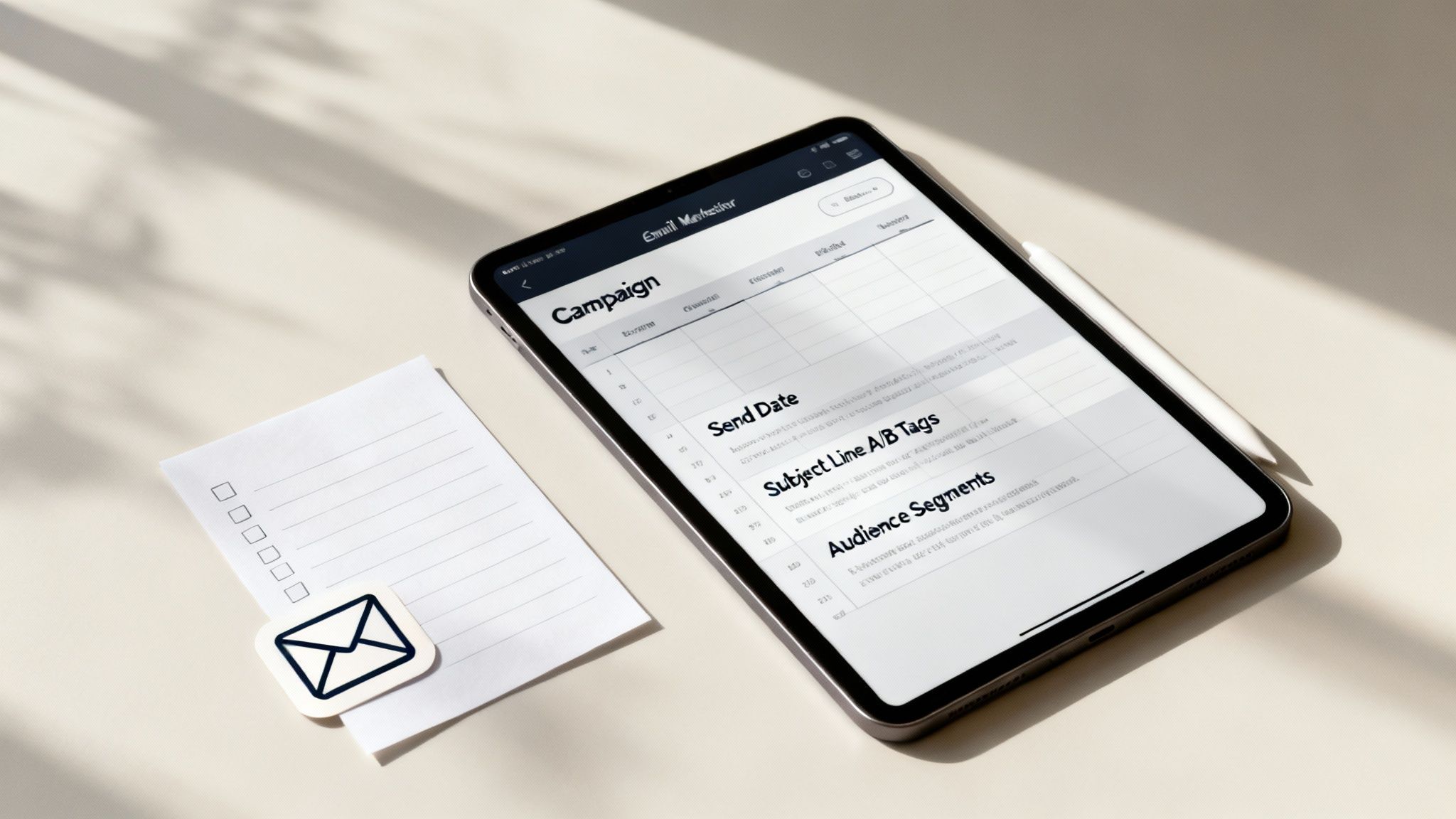
An Email Marketing Calendar is a detailed planning system for newsletters, promotional campaigns, and automated sequences. It moves beyond simple scheduling to track campaign objectives, audience segments, subject lines, A/B testing parameters, and key performance metrics. This ensures every email has a clear purpose and contributes to broader business goals.
For businesses that rely on email to nurture leads and drive sales, this calendar is non-negotiable. It helps marketers maintain consistency, optimize send times, and personalize content to improve open and click-through rates. Among the many content calendar examples you'll find, this one provides a strategic command center for your entire email operation.
Example Campaign Cadence
Here’s a sample structure for a monthly product promotion:
- Week 1 (Awareness): Send a value-driven newsletter that subtly introduces a problem your product solves. Segment based on past engagement to tailor the messaging.
- Week 2 (Consideration): Launch the official promotion with an announcement email. Follow up mid-week with a case study or testimonial showing the product in action.
- Week 3 (Decision): Send an email addressing common objections or FAQs. Later in the week, create urgency with a "limited time" or "bonus offer" message.
- Week 4 (Last Chance & Follow-Up): Send final reminders before the promotion ends. After it closes, segment buyers for a welcome sequence and non-buyers for a feedback survey.
Why This Calendar Works
This calendar transforms email from a reactive task into a proactive, data-driven strategy. By planning campaigns weeks in advance, you can align messaging across all touchpoints, create compelling narratives, and A/B test effectively. It provides the structure needed to build and maintain strong relationships with your audience, turning your email list into a reliable revenue-generating asset. For more details, explore our guide on how to set up email marketing automation that actually works.
PostFlow Quick Tip: Use PostFlow to plan your social media posts that support your email campaigns. Align your LinkedIn content to tease the upcoming promotion, share testimonials, and drive traffic to your email sign-up forms, creating a cohesive cross-channel strategy.
5. The Paid Advertising Calendar for Campaign & Budget Planning
While organic content builds long-term authority, a Paid Advertising Calendar is essential for driving targeted, immediate results. This strategic tool moves beyond simple post scheduling to coordinate ad creative, budget allocation, audience targeting, and performance tracking across platforms like LinkedIn Ads, Google Ads, and Meta. It ensures paid campaigns are aligned with organic content and overall business goals.
This calendar is less about daily posts and more about campaign flights, budget cycles, and testing phases. It helps marketing teams, from B2B SaaS companies like HubSpot to e-commerce giants, orchestrate complex initiatives like seasonal promotions or product launches. Among the many content calendar examples, this one is crucial for anyone investing in paid media to ensure every dollar is accounted for and optimized for ROI.
Example Quarterly Cadence
Here’s a sample structure for a B2B SaaS company's quarterly campaign:
- Weeks 1-2 (Planning & Creative): Define campaign goals (e.g., MQLs), finalize budget, develop ad copy and creative variations for different audience segments.
- Weeks 3-4 (Audience Testing): Launch with a small budget (20% of total) to test different targeting combinations (e.g., job titles vs. industry) and creative angles.
- Weeks 5-10 (Scaling & Optimization): Allocate the majority of the budget (70%) to the top-performing audiences and ad sets identified in the testing phase. Conduct weekly performance reviews to adjust bids and shift spend.
- Weeks 11-12 (Analysis & Reporting): Wind down the campaign, analyze performance data against initial KPIs, and document key learnings to inform the next quarter’s strategy.
Why This Calendar Works
This model is effective because it brings discipline and foresight to paid advertising. It prevents reactive, wasteful spending by enforcing a structured approach to testing, scaling, and learning. By planning campaigns in phases, you can systematically identify what works, double down on successful strategies, and ensure your ad budget generates predictable, measurable results that align with your business objectives.
PostFlow Quick Tip: While PostFlow focuses on organic content, you can use its calendar to align your organic posts with your paid campaigns. Schedule organic content that supports your ad’s theme or landing page to create a cohesive user experience and boost conversion rates.
6. The Event Marketing Calendar for Conferences, Webinars & Launches
Events like conferences, webinars, and product launches require a dedicated planning system that goes far beyond a standard social media calendar. An Event Marketing Calendar is a comprehensive timeline that coordinates all promotional activities before, during, and after an event to maximize attendance, engagement, and ROI.
This calendar maps out every touchpoint, from the initial announcement to the post-event follow-up. It ensures that marketing, sales, and speaker coordination are perfectly synchronized. Unlike daily content schedules, this is a project-based plan with firm deadlines and dependencies, making it one of the most operationally critical content calendar examples for growth-focused businesses.
Example Event Cadence (Webinar)
Here’s a sample structure for a 6-week webinar promotion:
- Weeks 6-5 (Pre-Launch): Finalize topic, speakers, and presentation deck. Create the registration landing page and set up email automation sequences.
- Weeks 4-3 (Promotion Kick-off): Announce the webinar via email and social media. Begin running targeted ads and have speakers promote to their networks.
- Weeks 2-1 (Ramp-Up): Increase post frequency. Share speaker bios, teaser content (like key stats or quotes), and behind-the-scenes glimpses. Send reminder emails to registrants.
- Event Day (Live Engagement): Execute a "day-of" social media blitz. Post live updates, key takeaways, and engage with attendee questions in real-time.
- Post-Event (Follow-Up): Send the recording to all registrants. Share a summary blog post and repurpose key moments into social media clips. Launch a feedback survey.
Why This Calendar Works
This model creates a sustained promotional runway, building momentum and keeping the event top-of-mind for your audience. It ensures no detail is missed, from initial speaker outreach to post-event lead nurturing. By mapping out every phase, you transform a one-time event into a long-term content and lead generation asset.
PostFlow Quick Tip: Use PostFlow’s scheduling feature to pre-load your entire promotional sequence. Schedule the announcement posts, reminder tweets, and day-of live updates weeks in advance, ensuring your campaign runs smoothly while you focus on hosting a great event.
7. The Influencer & Partnership Calendar for Collaboration Management
For brands scaling their reach through collaborations, a standard content calendar isn't enough. The Influencer & Partnership Calendar is a specialized planning tool for managing influencer partnerships, brand collaborations, and ambassador programs. It goes beyond simple post scheduling to track outreach, contracts, deliverables, and performance metrics.
This calendar acts as a central command center for all collaborative efforts. It ensures campaigns like those run by Fashion Nova or Gymshark, which involve hundreds of creators simultaneously, are executed flawlessly. Among the many content calendar examples, this one is essential for coordinating multiple stakeholders and maximizing the return on your partnership investments.
Example Weekly Cadence
Here’s a sample structure for managing a single influencer collaboration within the calendar:
- Monday (Outreach & Onboarding): Finalize contract terms and send the official welcome kit. Confirm receipt of products and the creative brief.
- Tuesday (Content Review): Receive and review the first draft of the influencer’s content (e.g., video, carousel post). Provide clear, consolidated feedback for revisions.
- Wednesday (Final Approval): Approve the final version of the content. Confirm the scheduled post date and time, ensuring it aligns with the overall campaign timeline.
- Thursday (Live & Amplify): The influencer’s post goes live. Your team's task is to engage with the post immediately, share it to your brand’s channels, and monitor initial comments.
- Friday (Initial Performance Tracking): Track the first 24-hour metrics: engagement rate, link clicks, and reach. Record these data points in the calendar to measure against campaign benchmarks.
Why This Calendar Works
This model is effective because it creates a clear, repeatable workflow for what can otherwise be a chaotic process. It ensures brand consistency across all partners, defines clear expectations for deliverables, and makes performance tracking systematic. This structured approach is crucial for building authentic, long-term relationships with creators and proving the ROI of your influencer marketing efforts.
PostFlow Quick Tip: Create a dedicated "Partnerships" channel in PostFlow. Use it to schedule and approve influencer content drafts, track live post URLs, and pull analytics directly into your dashboard to compare performance across different collaborators.
8. The User-Generated Content (UGC) Calendar for Community & Engagement
A User-Generated Content (UGC) Calendar shifts the focus from creating content yourself to curating and showcasing content made by your audience. This strategy systematically collects, organizes, and schedules posts from customers, turning your community into your most powerful marketing asset. It’s about building social proof and fostering a loyal, engaged following.
This approach involves planning campaigns, monitoring branded hashtags, and scheduling community spotlights. Instead of brainstorming new ideas from scratch, your primary task is to find and amplify the best content your users are already creating. Among the various content calendar examples, this one is uniquely powerful for building brand trust and authentic connections at scale.
Example Weekly Cadence
Here’s a sample structure for integrating UGC into your week:
- Monday (Campaign Kick-off): Announce a new UGC contest or a weekly theme. For example, ask customers to share a photo using your product with a specific hashtag like #MyBrandMoment.
- Tuesday (Feature Post): Share the best UGC submission from the previous week. Tag the creator and share a brief backstory or quote from them about their experience.
- Wednesday (Behind-the-Scenes): Post a user-submitted video or tutorial. Think of a GoPro adventure clip or a Sephora customer’s makeup look. This provides valuable, authentic content.
- Thursday (Community Spotlight): Highlight a loyal community member or “superfan.” This doesn’t have to be based on a single post but on their consistent engagement.
- Friday (UGC Roundup): Create a carousel post or story featuring a handful of the best submissions from the week, encouraging more people to participate over the weekend.
Why This Calendar Works
This model is effective because it leverages the most trusted form of marketing: word-of-mouth. Featuring customer content not only provides an endless stream of authentic material but also makes your audience feel seen and valued. It transforms passive followers into active brand advocates, strengthening community bonds and driving organic growth.
PostFlow Quick Tip: Use PostFlow's scheduling tool to plan out your featured UGC posts for the entire month. Collect top submissions at the start of the month, get permission from creators, and schedule them to maintain a consistent flow of authentic social proof.
8-Point Content Calendar Comparison
| Template | 🔄 Implementation Complexity | ⚡ Resource Requirements | 📊 Expected Outcomes | 💡 Ideal Use Cases | ⭐ Key Advantages |
|---|---|---|---|---|---|
| Editorial Content Calendar - Blog & Long-Form Content | Moderate — multi-stage approvals; can grow complex with many columns | Moderate — writers, SEO research, editorial time | Consistent publishing; improved SEO visibility and content reuse | B2B companies, digital publications, content-heavy businesses | Ensures consistency; clarifies roles; aligns SEO and seasonal plans |
| Social Media Content Calendar - Multi-Platform Strategy | Moderate–High — platform-specific rules, frequent updates | High — creative assets, platform tools, scheduling resources | Higher engagement and cross-platform reach; optimized posting cadence | E‑commerce, lifestyle brands, agencies managing multiple clients | Maximizes engagement; simplifies repurposing; supports batch creation |
| Video Content Calendar - YouTube & Video Platforms | High — long production timelines, coordinated workflows | Very High — filming, editing, equipment, production teams | Improved video quality, consistent channel growth, series planning | YouTubers, media producers, educational institutions, B2B video teams | Coordinates production; improves algorithm performance; enables testing |
| Email Marketing Calendar - Campaign Management | Moderate — requires ESP integration and testing workflows | Moderate — copy, designers, ESP setup, segmentation effort | Better open/click rates, reduced unsubscribes, controlled cadence | E‑commerce, SaaS, subscriptions, nonprofits | Systematic A/B testing; segmentation; prevents campaign overlap |
| Paid Advertising Calendar - Campaign & Budget Planning | High — many platform parameters and bidding strategies | High — ad spend, analysts, creative production | Better ROI control; prevents overspend; clearer performance comparisons | E‑commerce, performance agencies, lead generation teams | Budget allocation; structured testing; aligns paid with organic |
| Event Marketing Calendar - Conferences, Webinars & Launches | High — multi-team coordination, long lead times | High — vendors, speakers, promo production, logistics | Smoother execution; improved attendee experience and post-event ROI | Conferences, product launches, corporate events, webinars | Manages milestones; integrates promotions; reduces last-minute risk |
| Influencer & Partnership Calendar - Collaboration Management | Moderate–High — contracts, approvals, scheduling across partners | Moderate — outreach resources, payments, legal review | Expanded reach; scalable collaborations; measurable partnership ROI | Fashion, beauty, lifestyle, DTC brands, growth-focused startups | Clarifies deliverables; tracks payments and compliance; scales outreach |
| User-Generated Content Calendar - Community & Engagement | Moderate — moderation, rights management, curation workflows | Low–Moderate — community managers, incentives, moderation tools | Authentic social proof; higher engagement; cost-effective content supply | E‑commerce, travel & hospitality, lifestyle and community brands | Reduces content creation burden; builds community; boosts conversions |
From Planning to Publishing: Making Your Calendar Work for You
We've explored a comprehensive array of content calendar examples, from the strategic sweep of an editorial calendar to the engagement-driven rhythm of a social media plan. We’ve seen how calendars for video, email, paid ads, events, partnerships, and user-generated content each solve a unique organizational challenge. The common thread is clear: a well-structured calendar is the backbone of any successful content strategy.
However, the most beautifully designed template is useless if it creates more work than it saves. The goal isn't just to have a plan; it's to execute that plan with consistency and efficiency. The real magic happens when your calendar transforms from a static document into a dynamic workflow engine.
Key Takeaways for Effective Execution
The difference between a content calendar that gathers digital dust and one that drives results lies in your process. Here are the core principles to remember:
- Adapt, Don't Just Adopt: The templates provided are starting points. The best content calendar for you will be a customized version that fits your specific goals, team size, and content pillars. Don't be afraid to modify sections, add new categories, or merge ideas from different examples.
- Focus on Workflow, Not Just the Tool: While a good tool is crucial, your workflow is paramount. The ideal process minimizes friction between a raw idea and a published piece of content. If your current system involves too many manual steps, it’s a barrier to consistency.
- Consistency Over Complexity: A simple calendar you use every day is infinitely more valuable than a complex, multi-layered system you abandon after a week. Start with the most straightforward example that meets your immediate needs, such as the weekly social media calendar, and build from there.
Your Actionable Next Steps
Feeling inspired by these content calendar examples? It's time to put that energy into action. Don't try to implement everything at once. Instead, choose one area to master.
- Select Your Starting Point: Pick the one calendar example from this article that addresses your biggest content bottleneck right now. Is it organizing your blog? Is it staying consistent on LinkedIn? Start there.
- Commit to a 30-Day Sprint: Dedicate the next month to using your chosen calendar. Populate it with ideas, schedule your posts, and track your progress. This trial period will give you invaluable data on what works for your specific workflow.
- Integrate Your Tools: A calendar shouldn't live in a silo. To truly streamline your efforts, it needs to work with your other systems. For a holistic view that combines planning with execution, consider exploring different creative project management tools to find a platform that centralizes your entire content lifecycle.
Ultimately, mastering your content calendar is about reclaiming your time and amplifying your impact. It’s the strategic foundation that allows you to move from reactive content creation to a proactive, goal-oriented publishing machine. By turning planning into a seamless habit, you unlock the creative energy needed to build a powerful and authentic brand presence.
Ready to turn your content calendar from a spreadsheet into a seamless creation engine? PostFlow is designed to eliminate the friction between your best ideas and published content. Use your voice to capture thoughts, let AI handle the heavy lifting of drafting, and schedule everything from one intuitive platform. Try PostFlow today and make your content workflow effortless.

